Conversations
Archive a chat
Free a slot and find the conversation later.
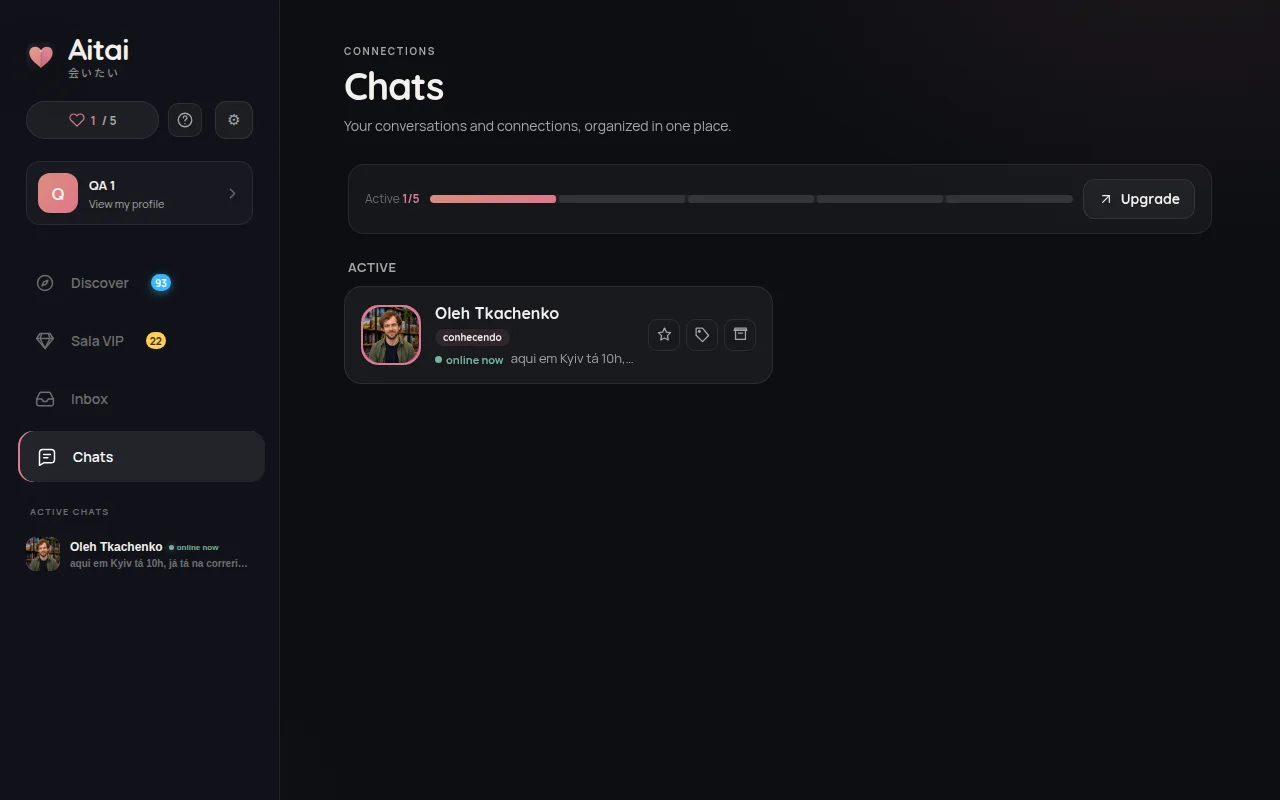
In Chats, open the row menu and choose Archive. In an active chat, the same option appears in ⋮.
Archiving stores the conversation and frees an active slot. To find it later, choose Archived in Chats filters. In the app, an archived chat shows a notice with Reactivate. The same action is available in the row menu in Chats.
Archive is different from Delete history and Undo connection. Pick the action that preserves what you want to keep.
After archiving, check the slot counter at the top. Sending messages in that conversation again requires reactivation under the available slots and access conditions.
See it in the app