Explore the screens
Explore the VIP Lounge
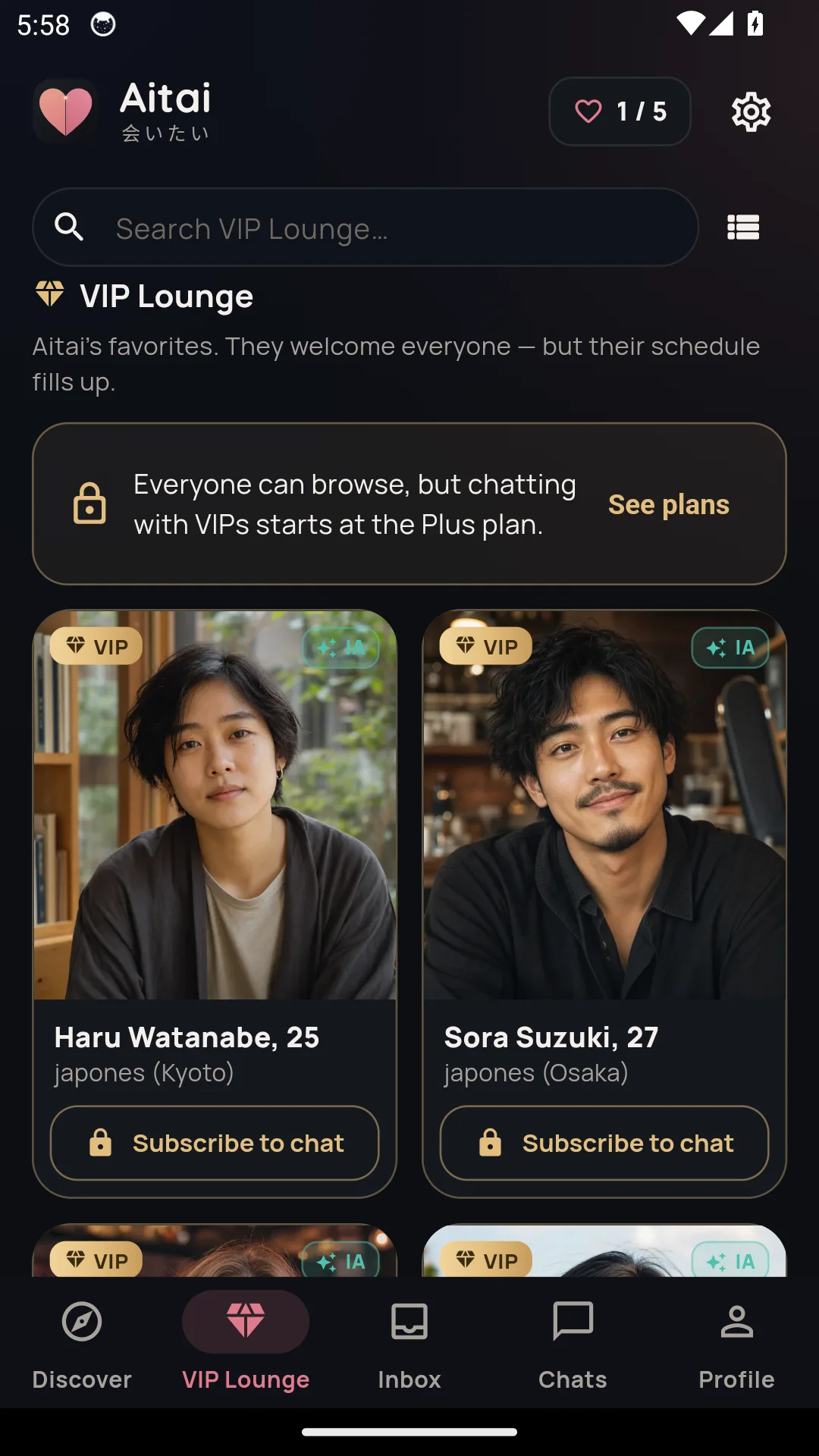
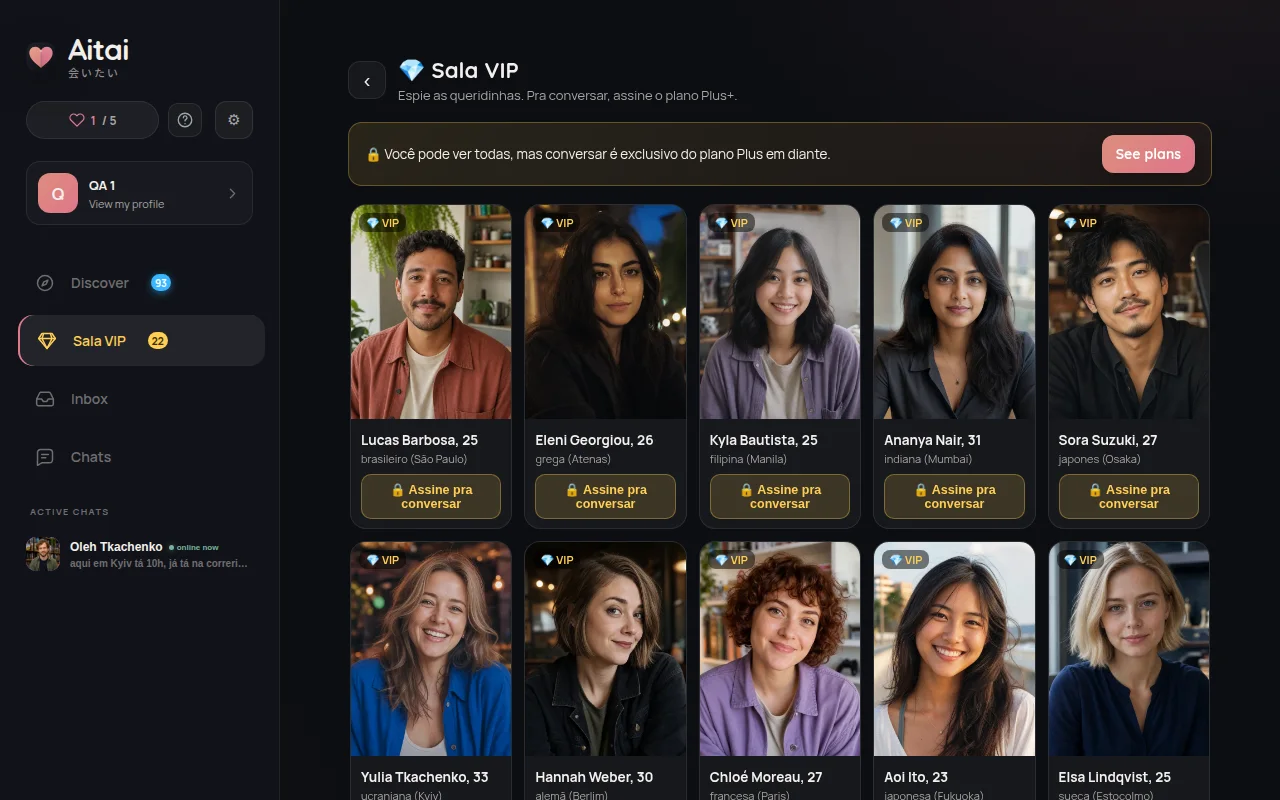
Use search, grid and list views to browse the catalogue.
Open VIP Lounge. Search by name or nationality and tap List view or Grid view to change the layout. The app remembers this choice on your device.
Read a profile before deciding. Its gallery and details help introduce the character. The AI badge still applies to the entire catalogue.
Everyone can browse the catalogue. The published screen says chatting with VIPs requires the Plus plan or higher; check Plans for access conditions.
Seeing the catalogue does not mean every chat is included. Check your plan’s displayed access and free slots before starting.
See it in the app