Your account
Set up phone notifications
Check device permission and the notification test.
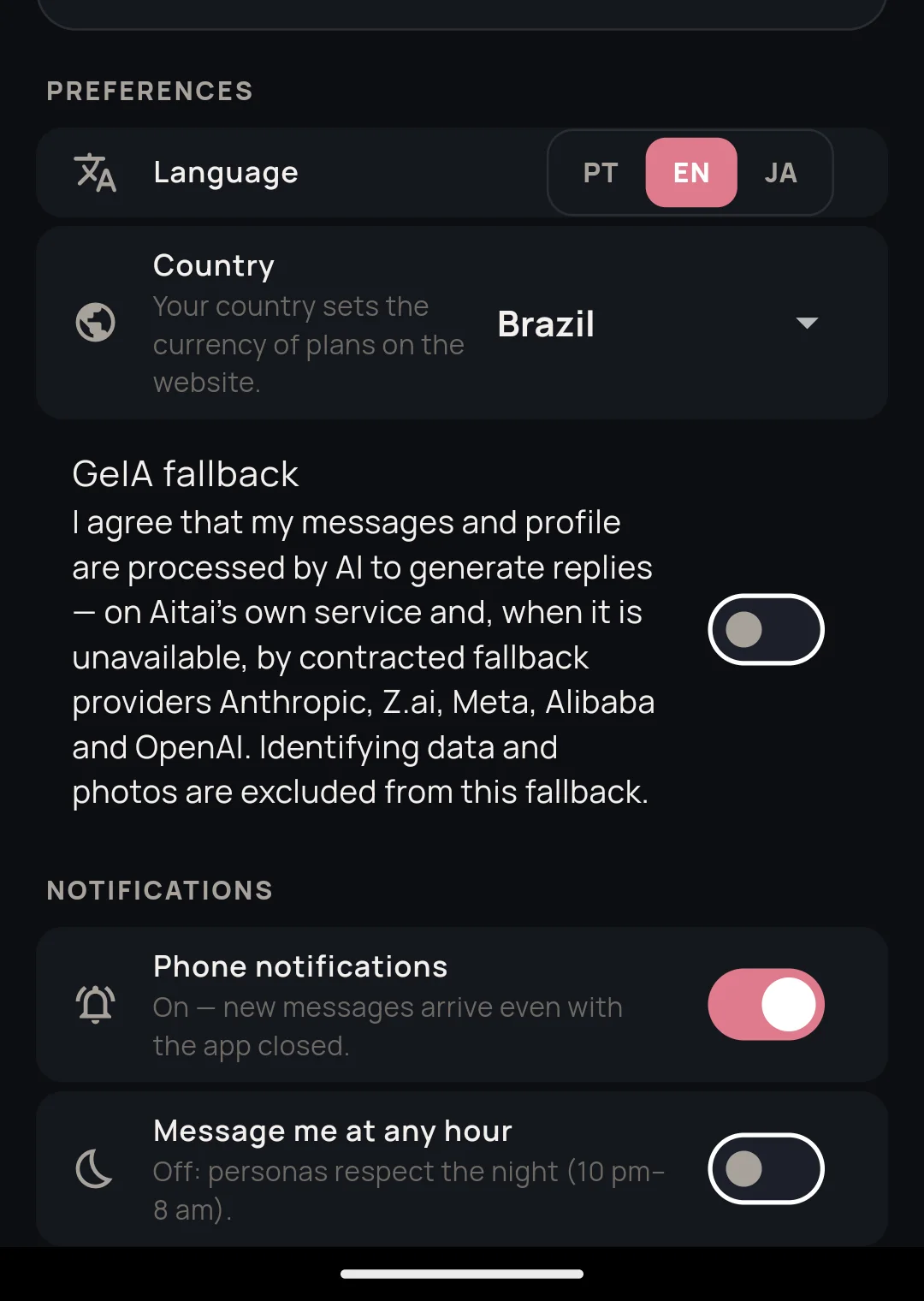
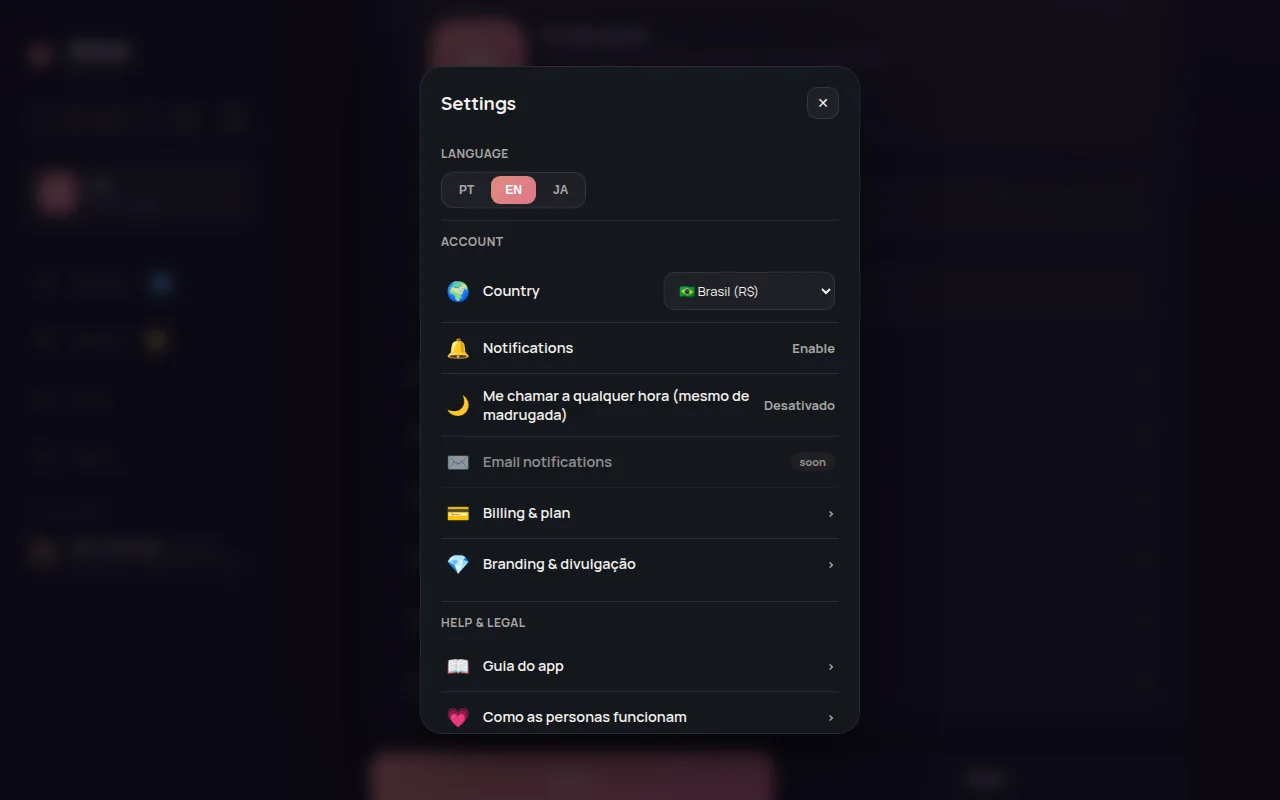
Open Settings → Notifications. The notification option shows whether phone permission is enabled. When enabling it, follow the system prompt; the app opens device settings if necessary.
Once notifications are allowed, use Test notification. A sent confirmation does not prove a sound will play: silent mode, focus settings and other device choices also matter.
The option to notify at any time is separate. Read its explanation before changing it.
Tapping a chat notification makes the app try to open that conversation. If nothing arrives, first check Aitai permission in your phone’s settings and your internet connection.
See it in the app