Safety
Block a character
Stop interactions and review your blocked list.
In a chat, open ⋮ → Block and read the confirmation. A safety action is also available on the character’s profile. Check the name before confirming.
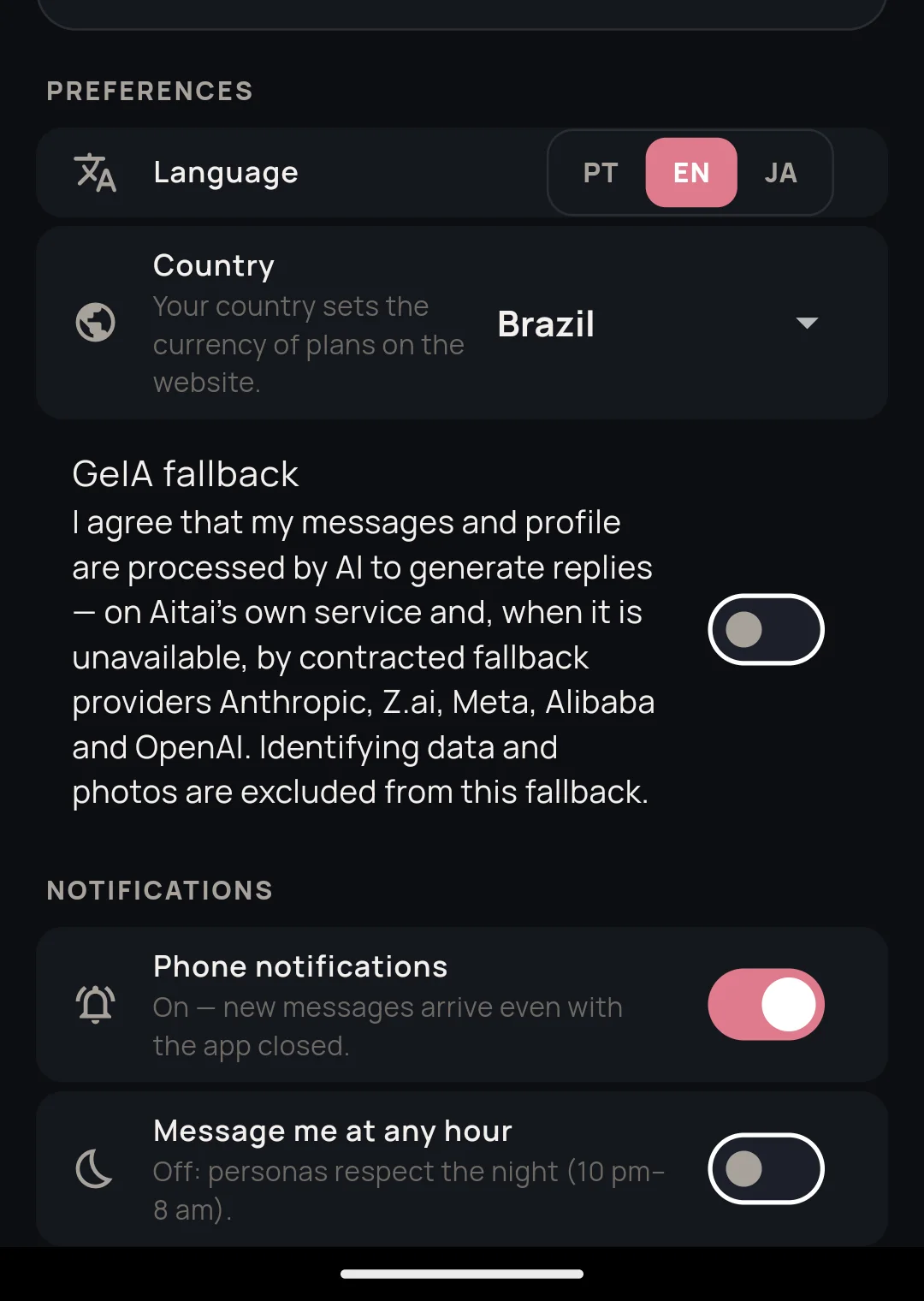
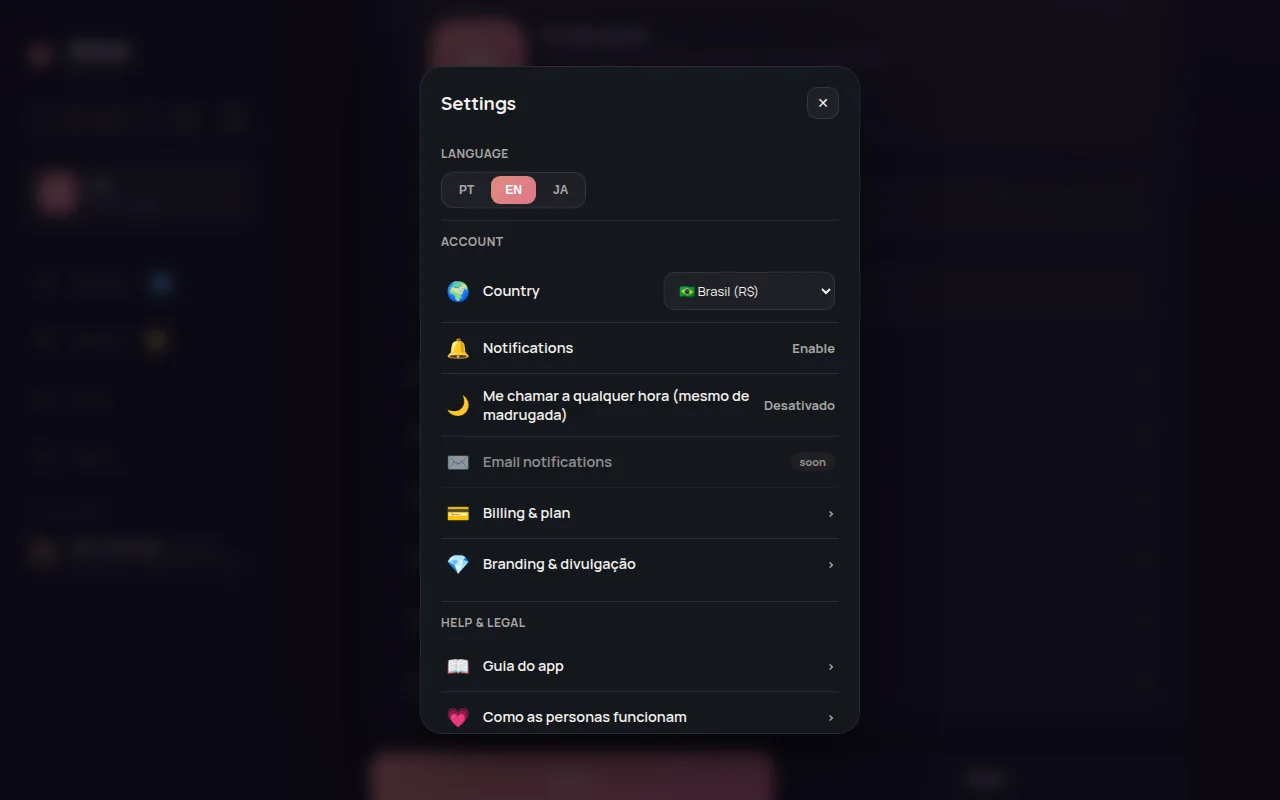
To review blocks, open Settings → Blocked personas. The list shows names and Unblock. Unblocking changes that protection; it does not promise a free slot or a new connection.
If a message received from the character is the issue, hold its bubble and choose Report message to identify that content. Blocking and reporting serve different purposes.
You do not have to continue a chat that bothers you. For an account question or app failure, use Talk to Rui without unnecessary personal details.
See it in the app