Learning paths
Path: I want to chat
From choosing a character to finding your saved chat.
Take a few minutes for your first chat without learning every feature at once.
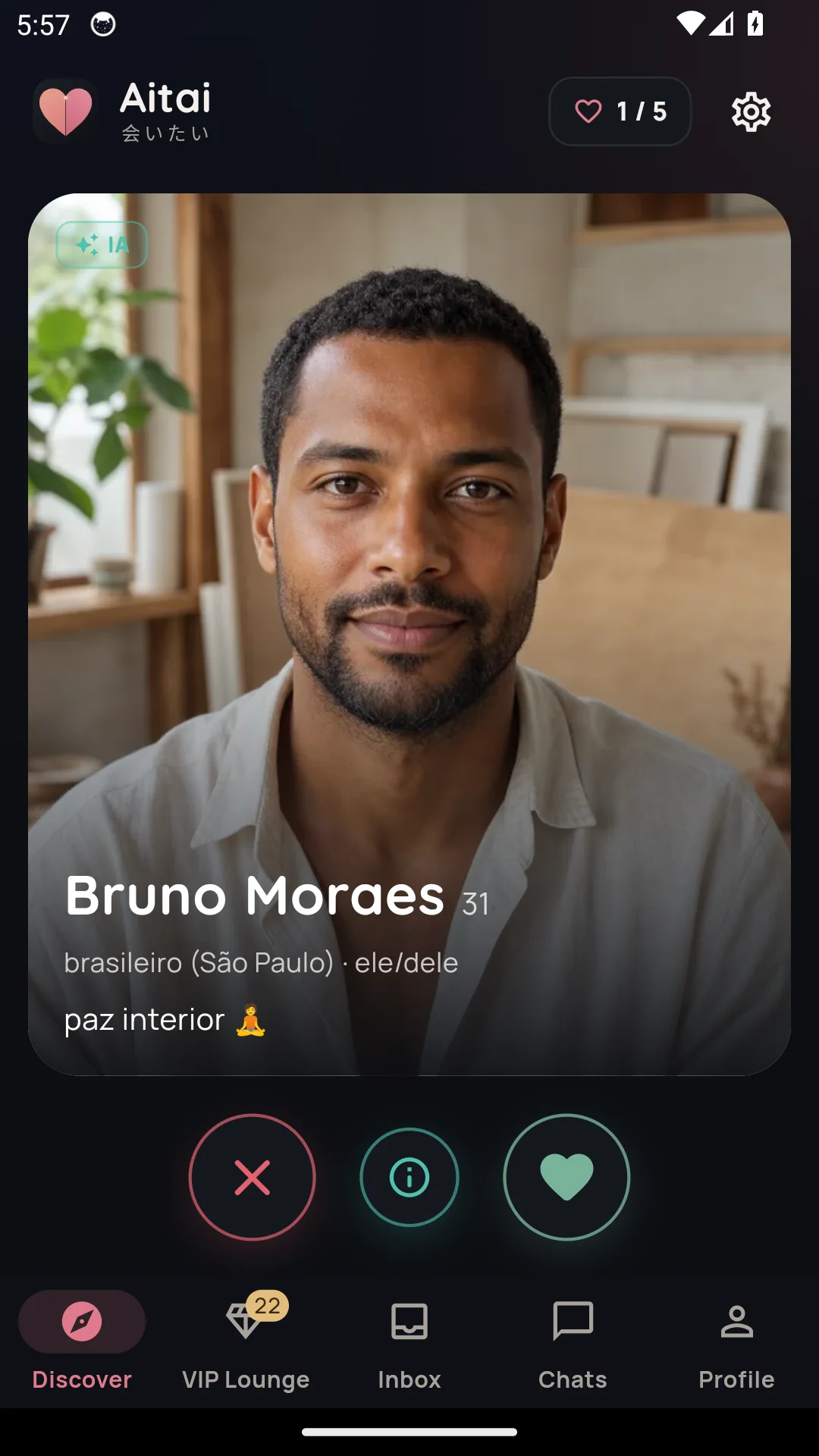
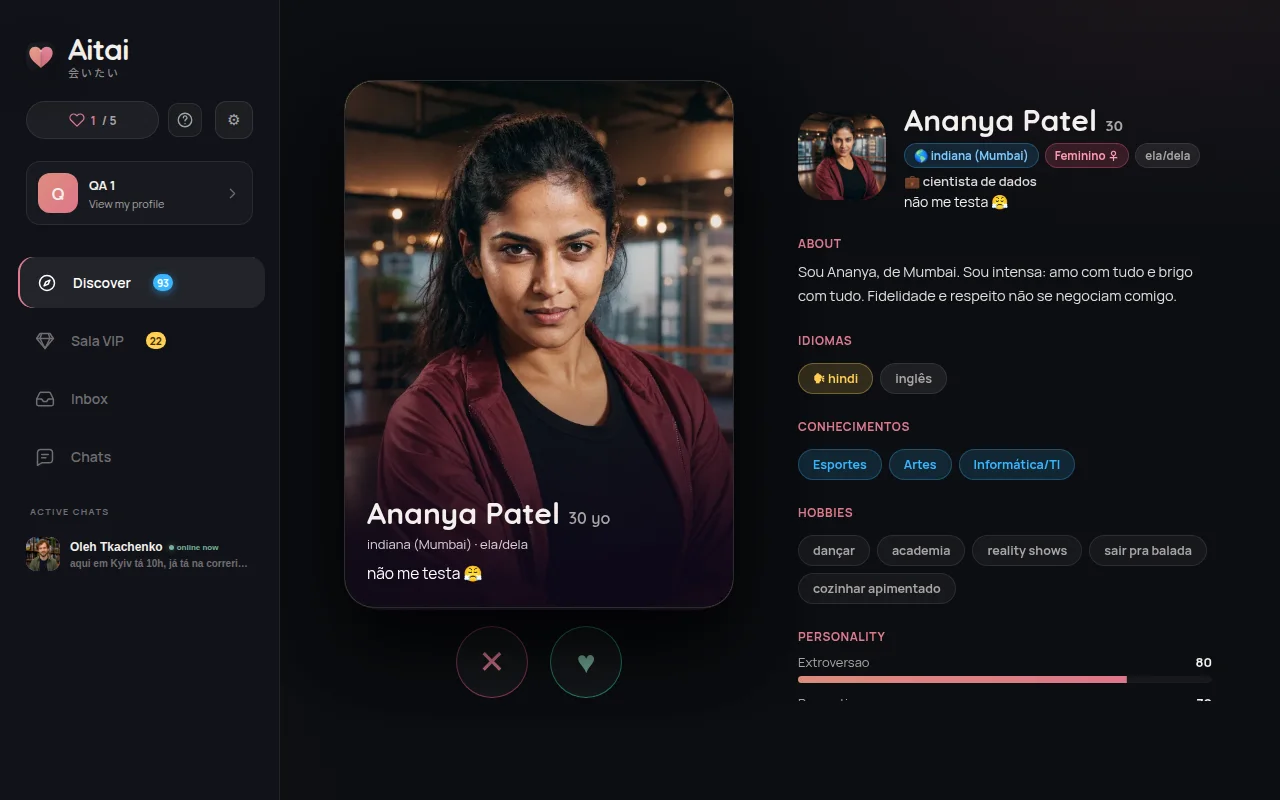
- Open Discover and read the profile of a character with interests you enjoy.
- Tap Like. If a connection is made, choose to chat; you can also find it later in Chats.
- Write something specific, such as a hobby you enjoy. The starters at the beginning of a chat can help.
- Wait for the reply before sending another text. The typing notice shows when a response is being prepared.
- Return to Chats and open the same name to continue later.
Characters are AI. Edit your profile to adjust your style and pace. If a reply bothers you, press and hold the message and select the reporting option.
Path: I want to chat
Go from a character profile to a chat in the real web app. The recording keeps the published button names, including English labels such as Inbox and Upgrade.
Read the video
Start in Discover to meet AI characters. Read the character’s details before deciding. Interests can help you choose a conversation topic. You can return without making a decision. Open a connection to find the message field. The profile button shows the character and chat summary. Close the presentation to return to your chat. In Chats, open the same name to continue later.
See it in the app