Your account
Country and currency
Understand the difference between display language and price.
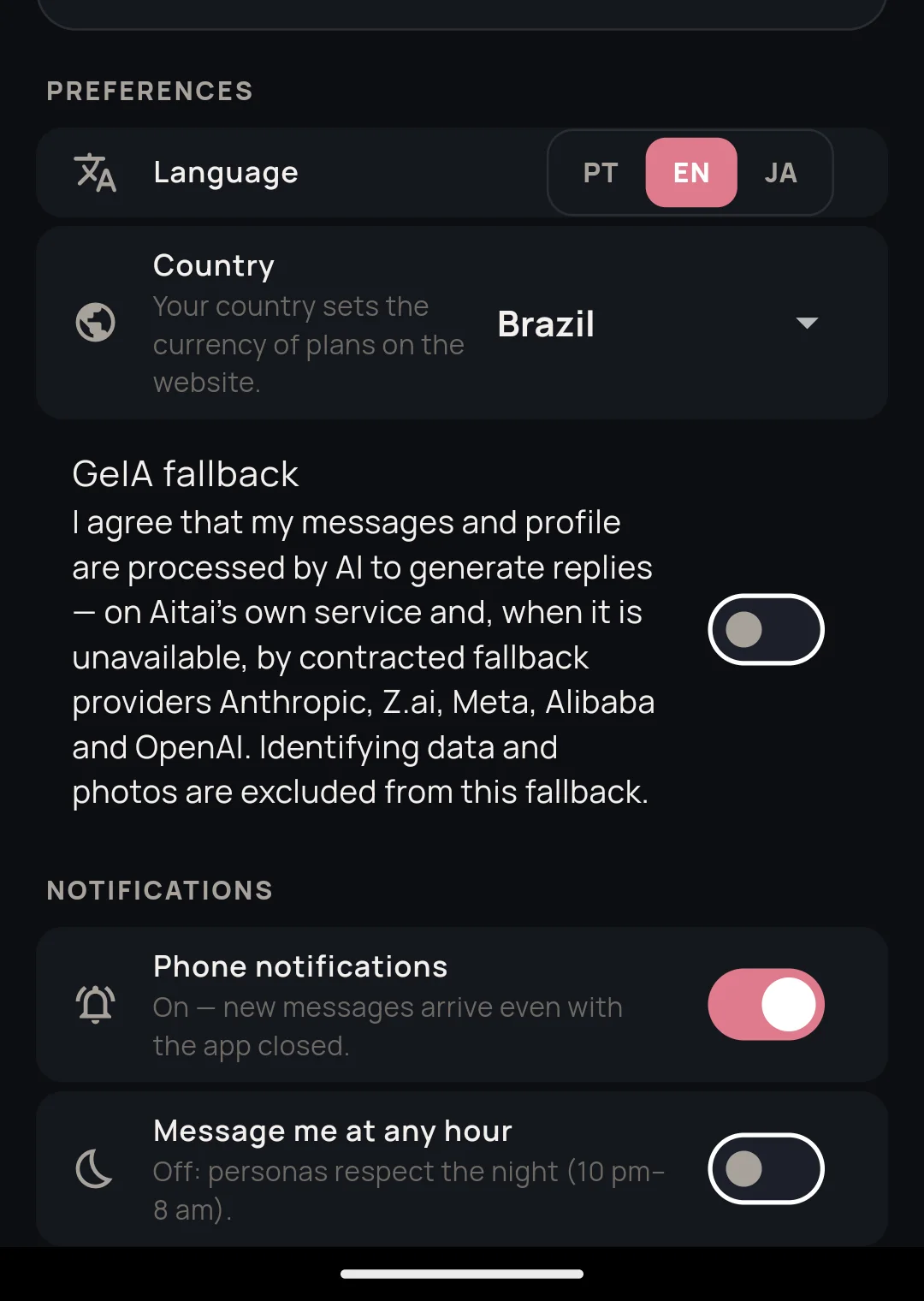
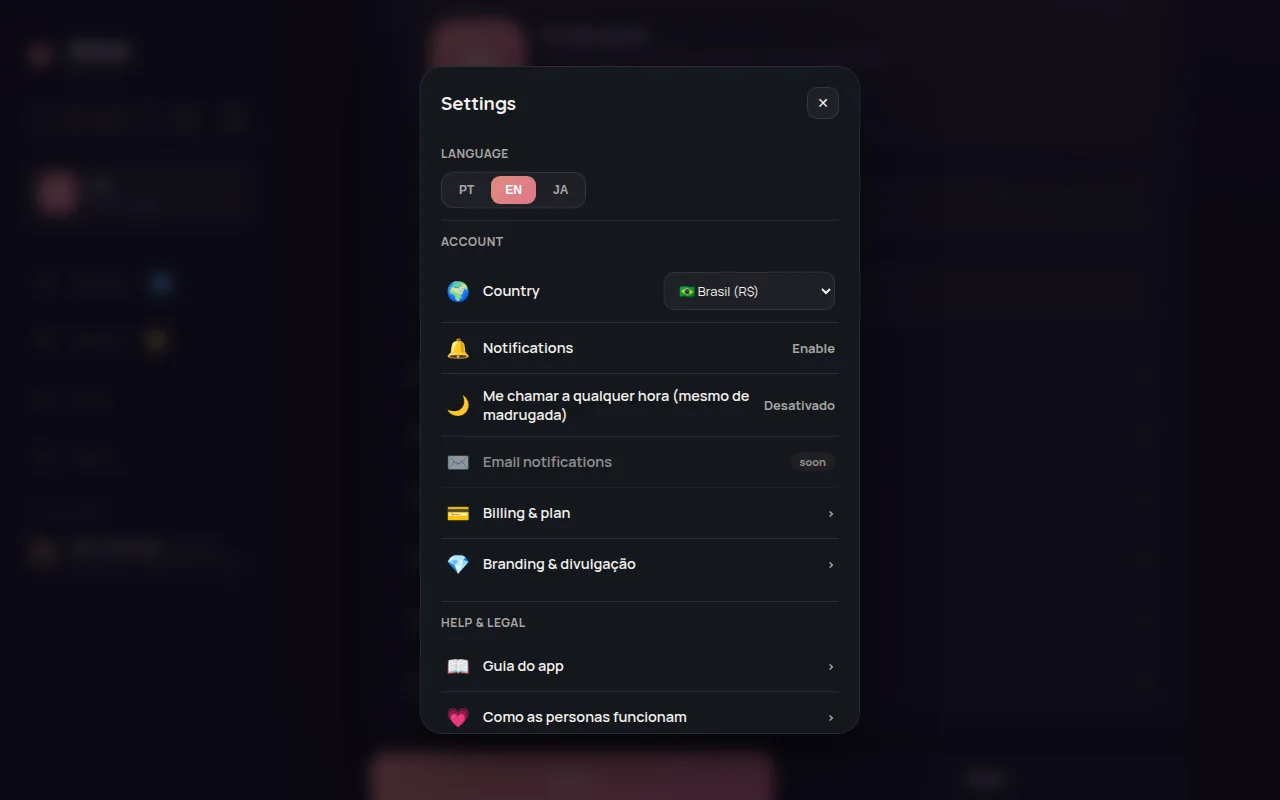
In Settings → Country, check the country on your account. This differs from language: switching PT, EN or JA should not be used to try to change a price.
Open Plans & subscription and read the final price for your channel. On Google Play and iPhone, price and subscription confirmation are shown by the corresponding store. Website installations use their own flow.
Before confirming a subscription, check currency, period and renewal. Do not compare numbers in different currencies as if they were the same amount.
If something looks wrong, do not make a purchase to test it. Open Settings → Talk to Rui and describe the screen.
See it in the app