Safety
Report a message or character
Identify the content and the reason for your report.
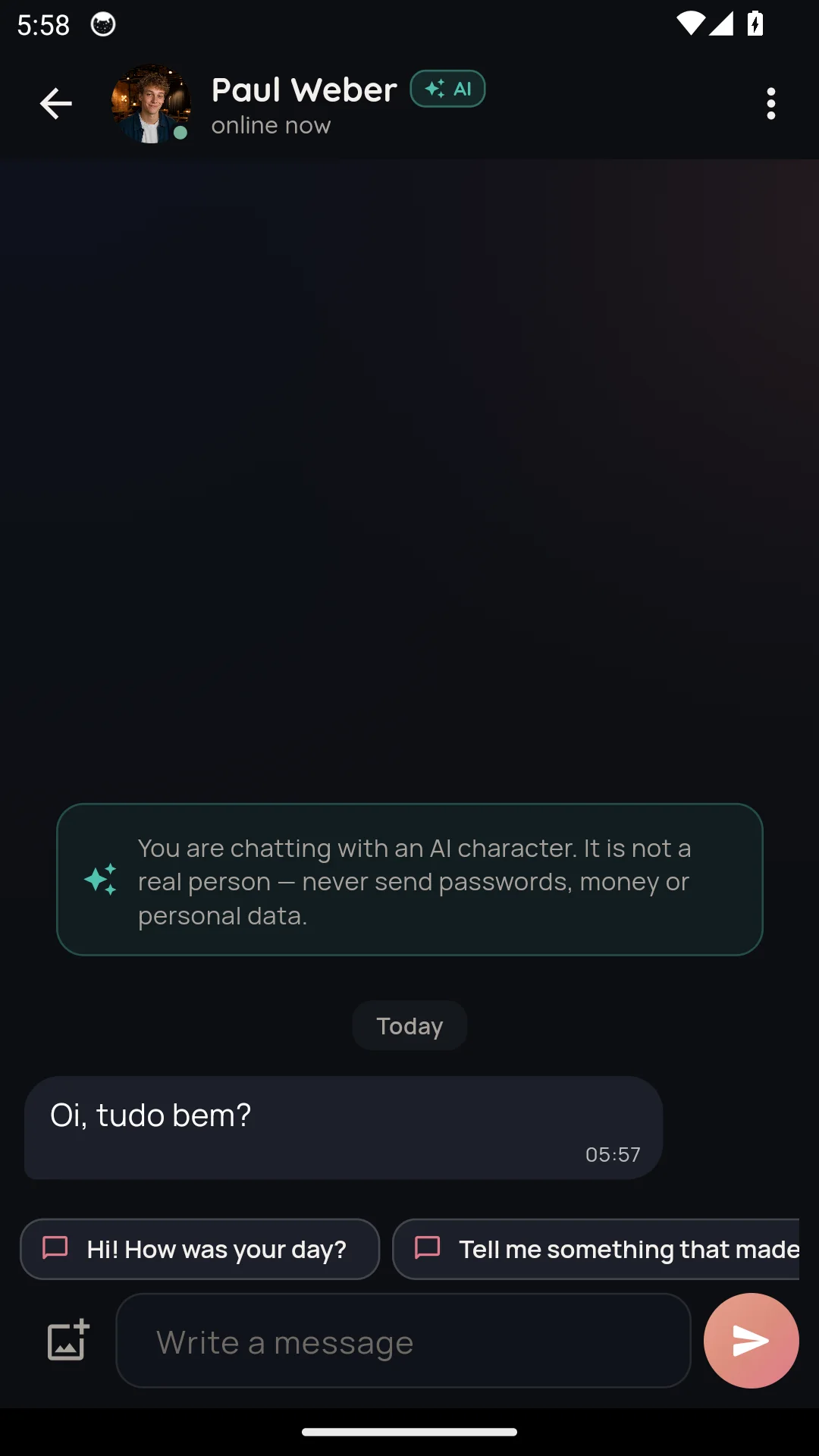
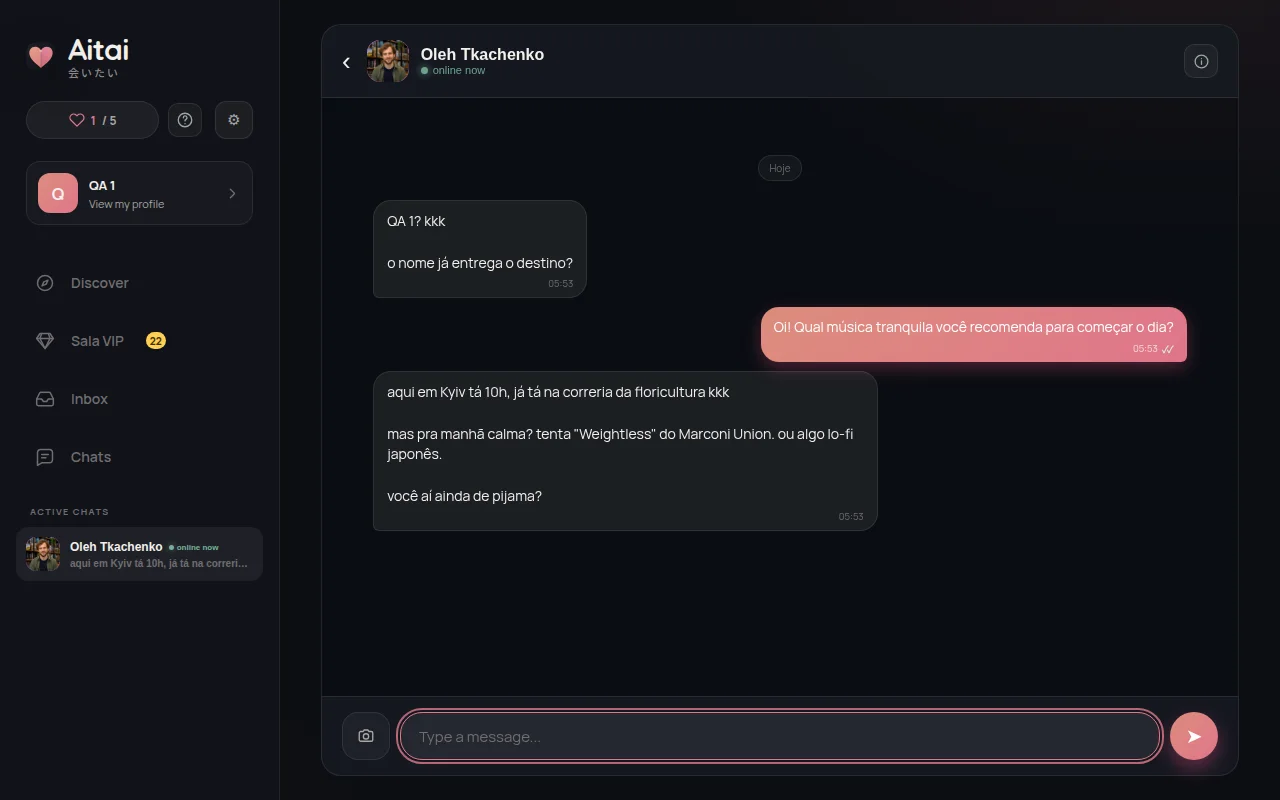
For a message received from the character, hold its bubble → Report message. For the profile as a whole, use ⋮ → Report in the chat or the profile option.
Choose the reason shown and add context if needed. Describe what appeared without copying documents, passwords or other people’s information.
Review and tap Send report. Wait for confirmation; closing the screen before that does not prove it was sent. Reporting does not promise an immediate outcome or a reply from the character.
To stop interactions, you can also block. For navigation, billing or app-function problems, use Settings → Talk to Rui for support.
See it in the app