Conversations
Pin a memory
Add a short note for that conversation.
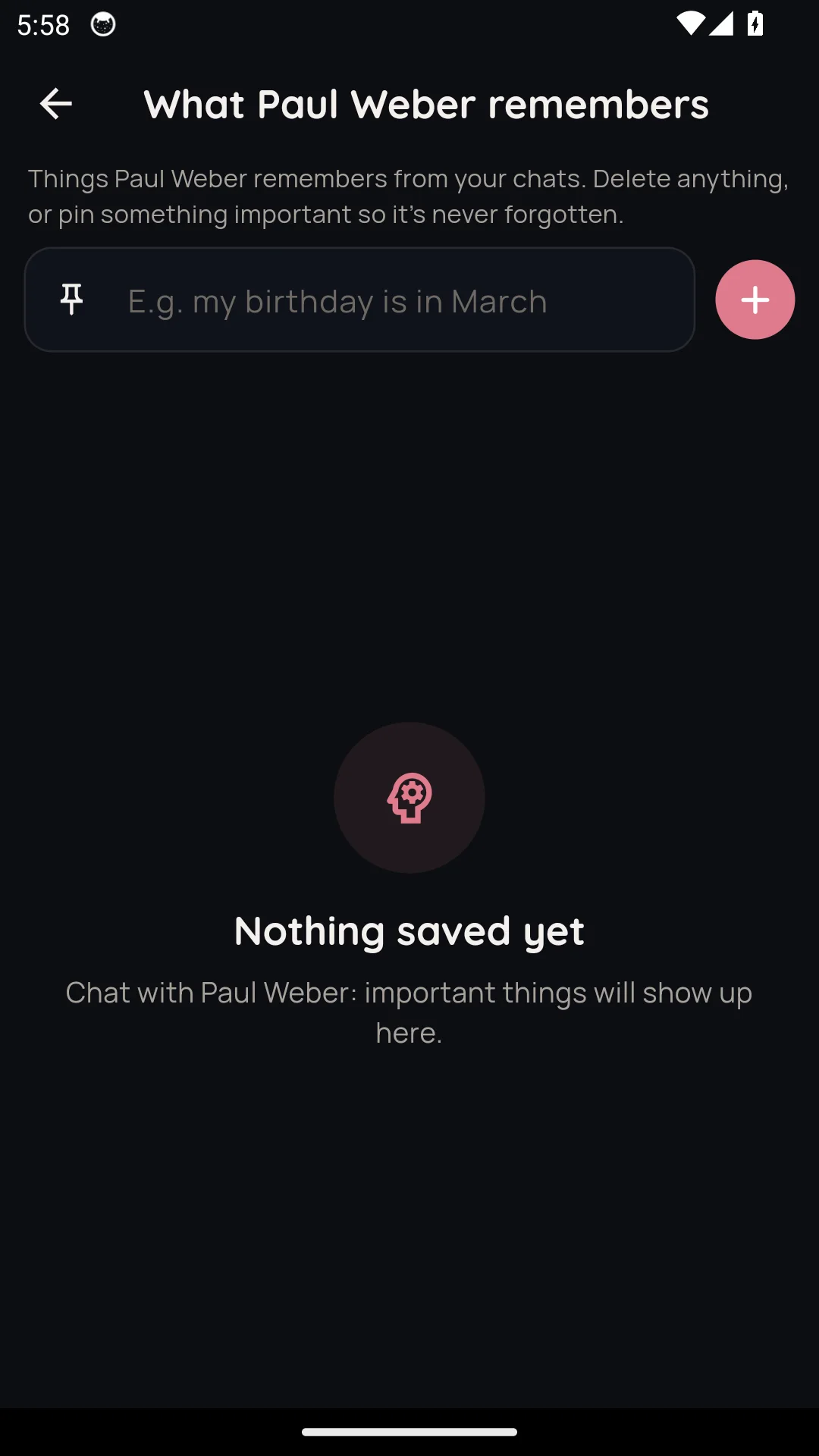
Open a chat and choose ⋮ → What [name] remembers. In the memory field, write a short sentence you want to keep as context and tap add.
The field accepts up to 200 characters. A safe example is “I prefer talking about books”. Avoid passwords, documents, full addresses and banking details.
Wait for confirmation and check that the note is marked as pinned by you. When the list contains notes, the number of pinned memories and the limit appear at its end. If no space remains, review your notes before adding another.
A memory helps provide context but does not guarantee that every reply will repeat it. You can delete the note through its row, with confirmation.
See it in the app