Safety
Privacy and safer use
Choose what to share and where to read the rules.
Aitai displays an AI badge on characters and gives a notice about artificial intelligence. Friendly or personal language does not make a character a real person.
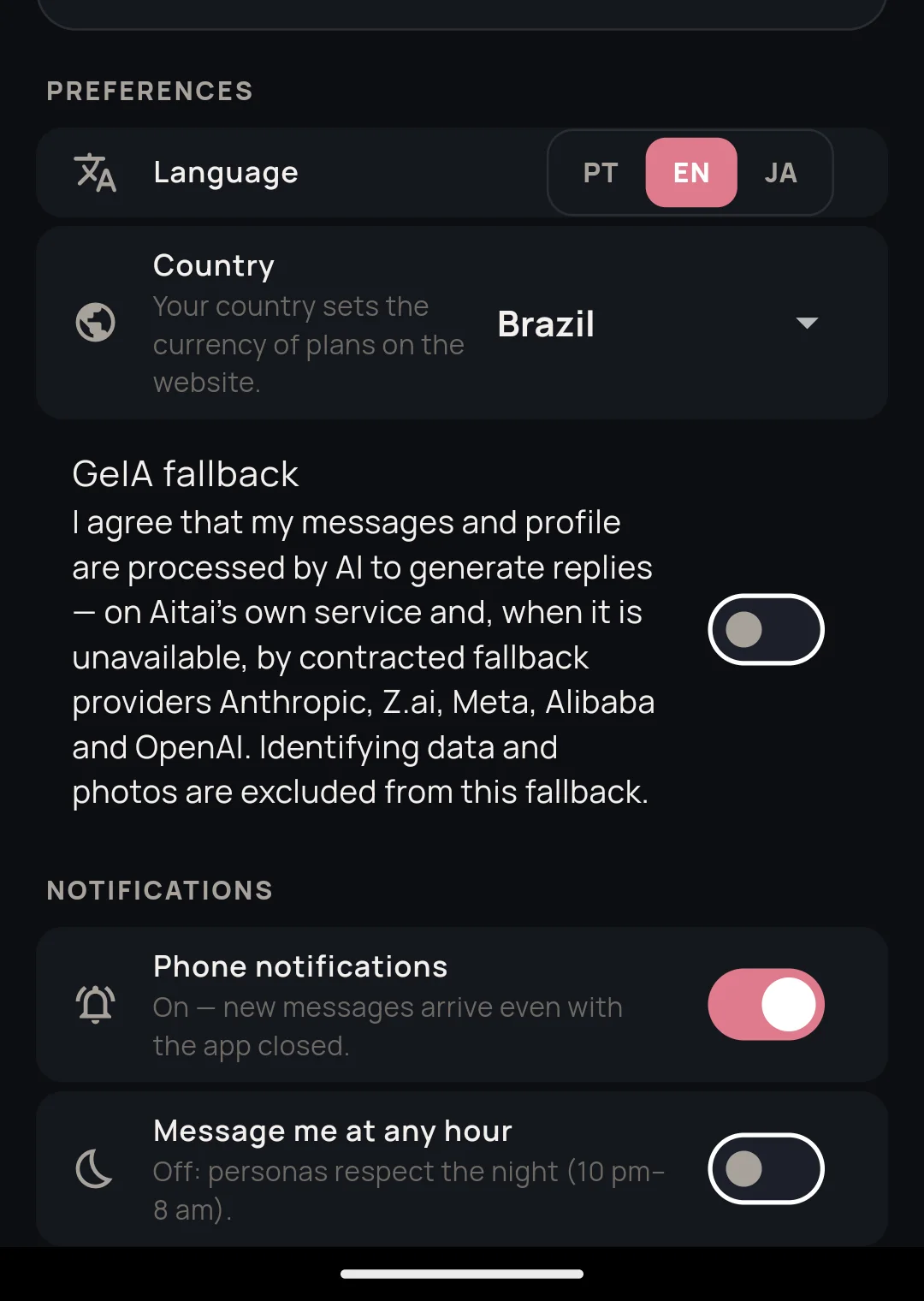
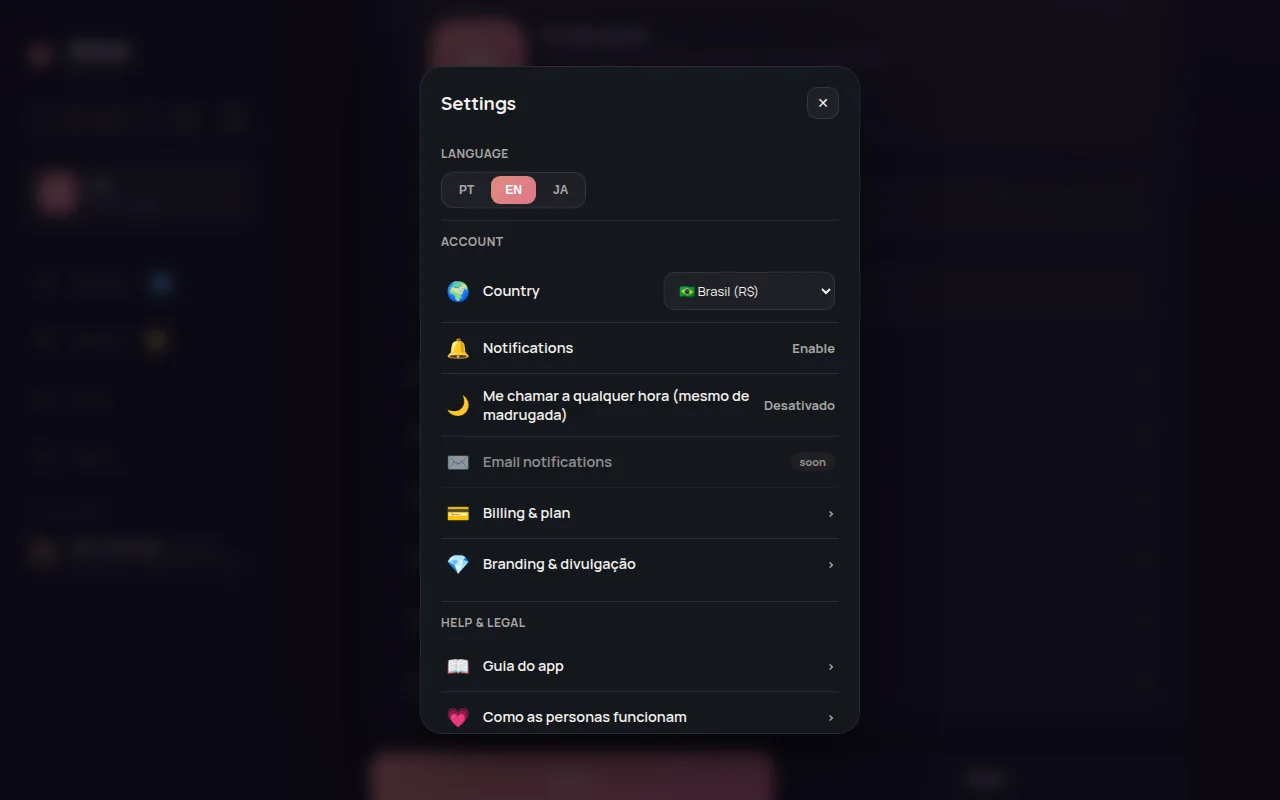
In Settings, open Terms, Privacy and the safety rules. Also read the choice about the backup AI service before enabling or changing that preference.
Share only what is needed in your profile and chats. Do not send passwords, identity documents or banking information. When asking support with a screenshot, hide details that do not help explain the issue.
You can review and delete memories, block characters and request account deletion in the app. These actions have different effects; read each confirmation before proceeding.
See it in the app