Your account
Check plans and subscriptions
Read slots, access dates, price and renewal for your channel.
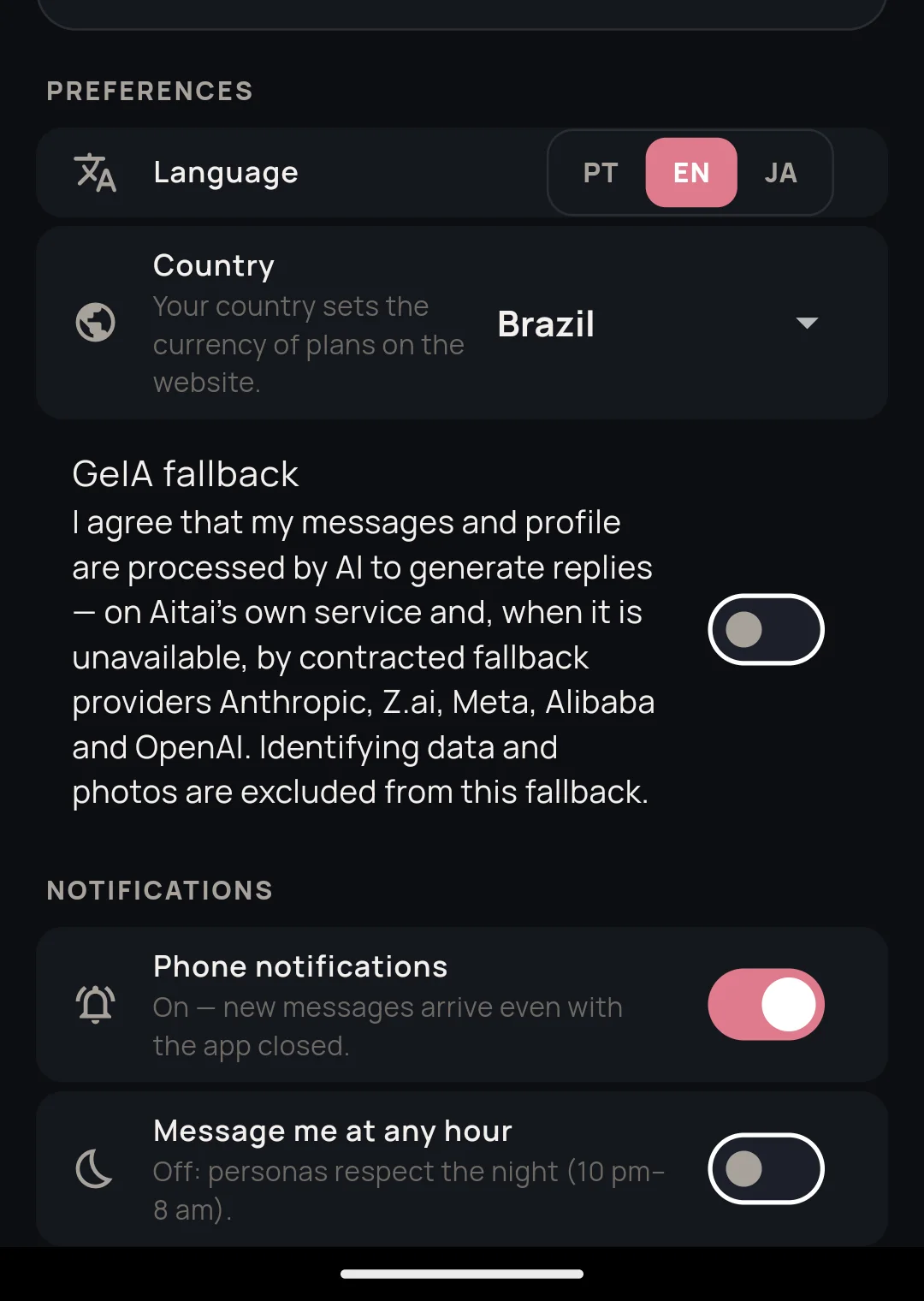
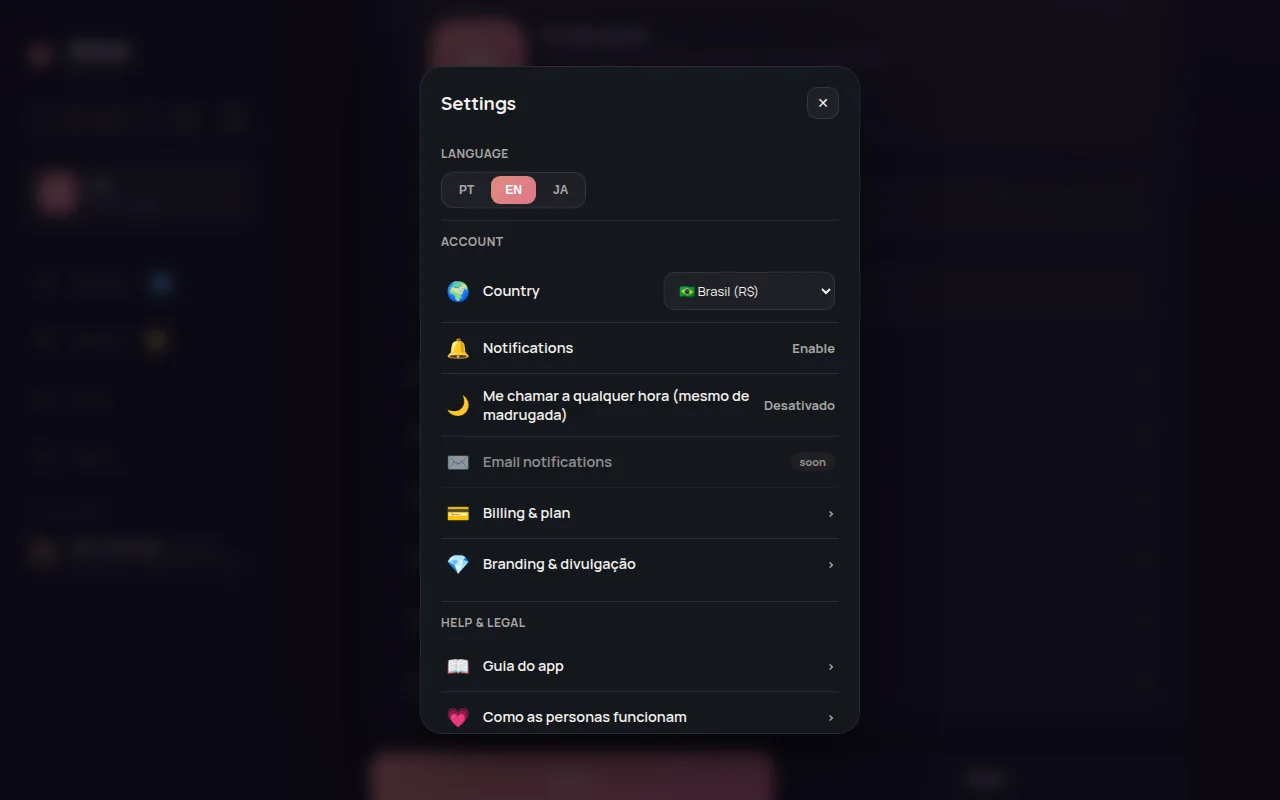
Open Settings → Plans & subscription, or tap the slot counter at the top. The screen shows your account state, access end date where applicable and the available plan conditions.
Check how many active chats a plan allows and whether it includes the VIP access you want. The valid price is the one shown by your channel’s confirmation flow; this wiki does not freeze prices that can vary.
Google Play handles Play subscriptions. Apple handles iPhone subscriptions. A website installation has its own flow. Do not use one channel’s payment instructions in another.
To manage a store subscription, use the corresponding button and read the conditions before confirming changes.
See it in the app