Explore the screens
Explore Settings
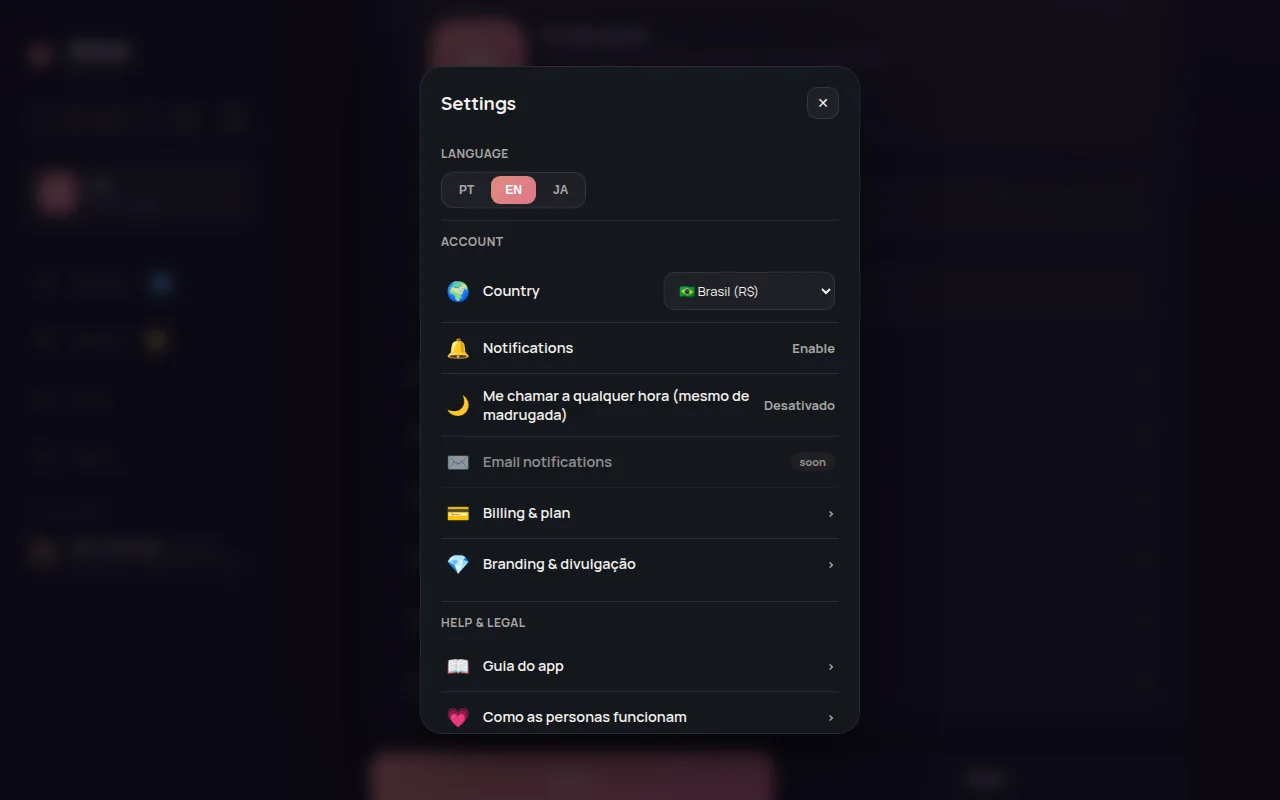
Find language, notifications, account and help under the gear.
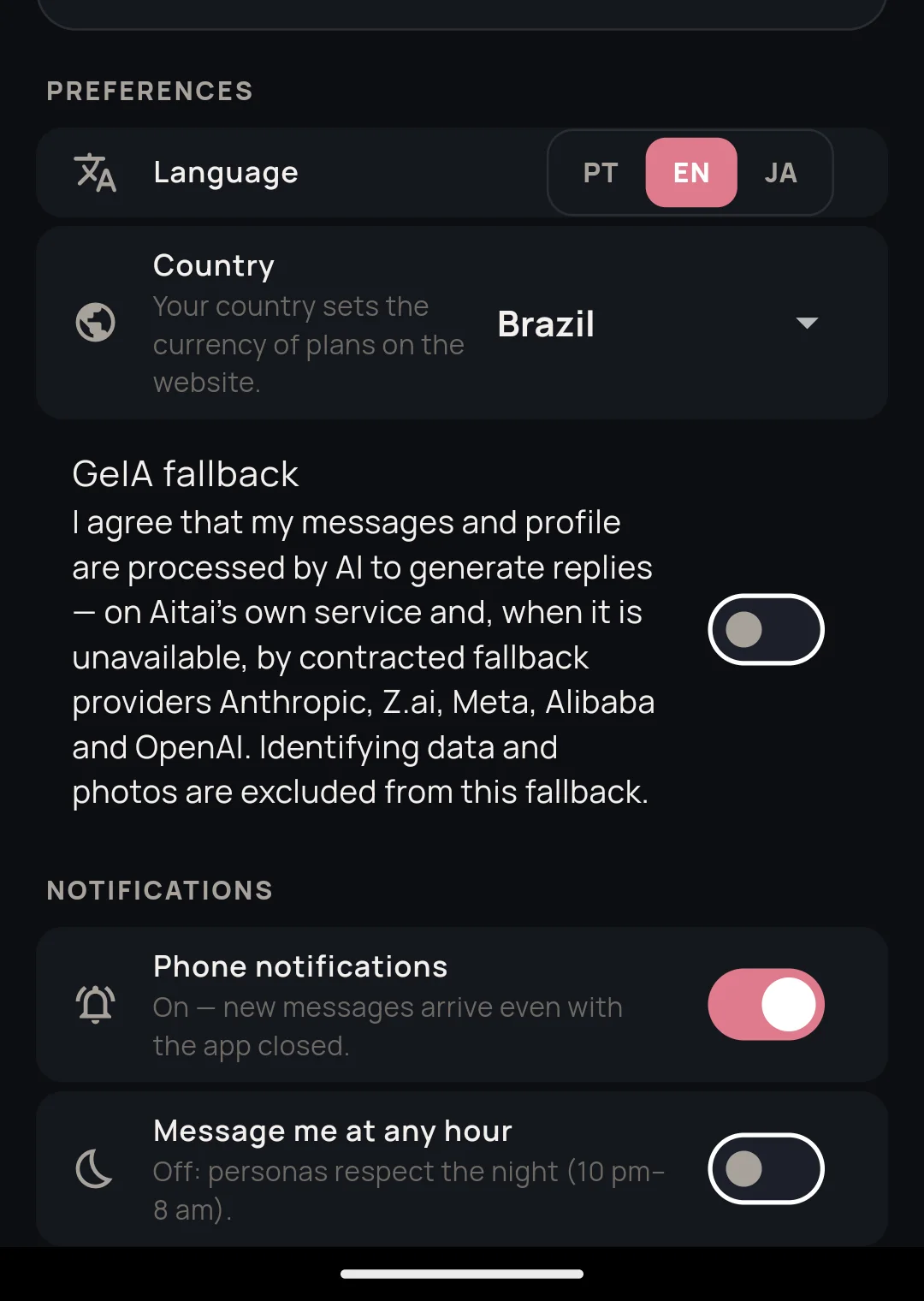
Tap the gear at the top to open Settings. In the app, the screen starts with your account card and an Edit button that opens profile editing.
Preferences includes language, country and the backup AI option. Notifications covers device permission and a test when available. Subscription leads to plans and receipts.
Further down are linked accounts, blocked characters and help. Talk to Rui opens support. On the web, Guia do app opens the usage guide.
About the app shows the version, release notes and history. Sign out and Delete account are different actions at the end. Read each confirmation before continuing.
Explore Settings
Open the gear to see language, account and help options on the web. The recording keeps the published button names, including English labels such as Inbox and Upgrade.
Read the video
On the main screen, find the gear. Settings starts with language and preferences. Check your country and notification options on this screen. The help section contains shortcuts to the app guide. Review the options carefully before making a change. App guide reopens the introduction. Read the advice about chats and safer use. Close the guide to return to Aitai.
See it in the app