Conversations
Reactivate a chat
Resume an archived conversation when a slot is free.
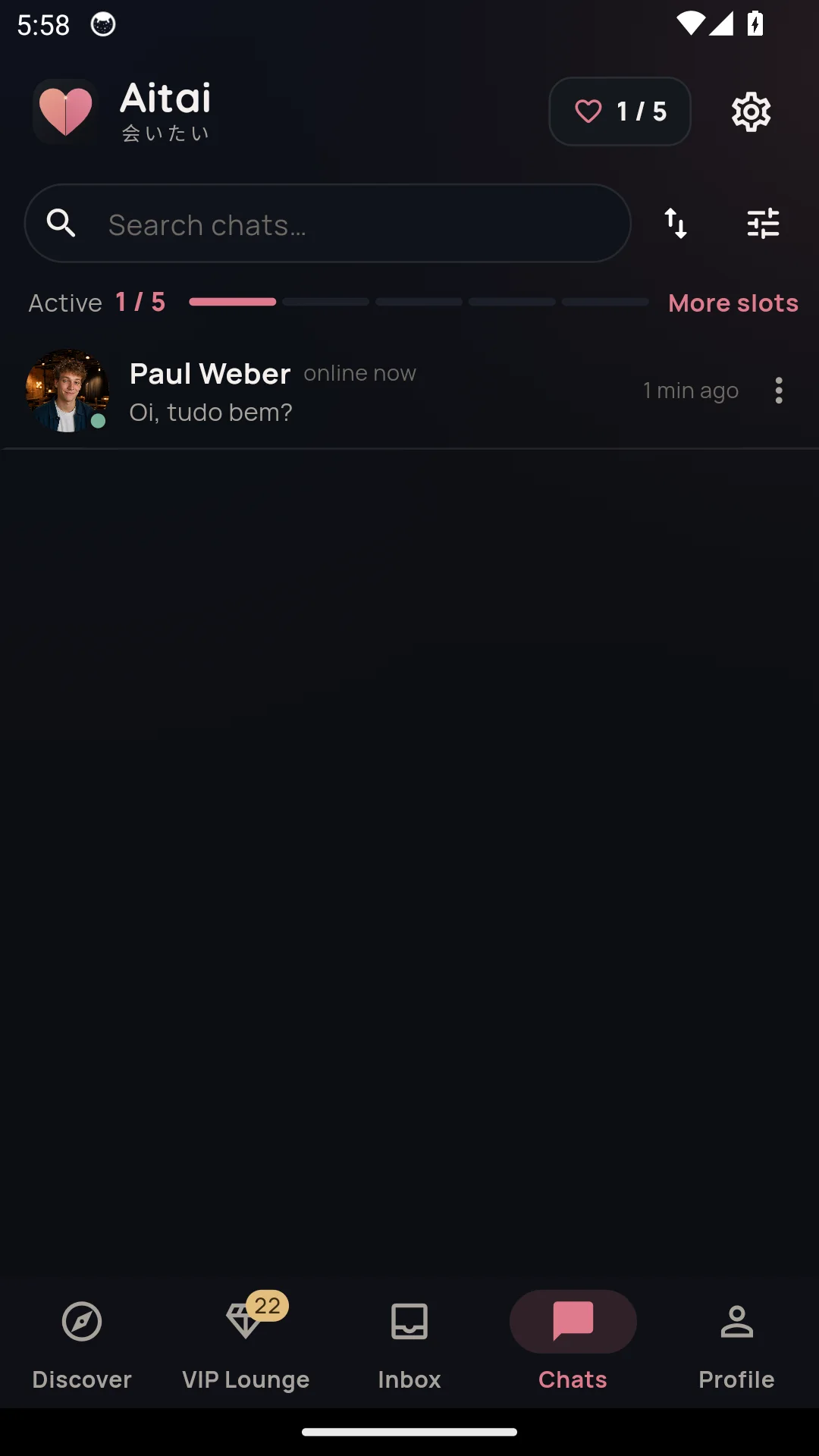
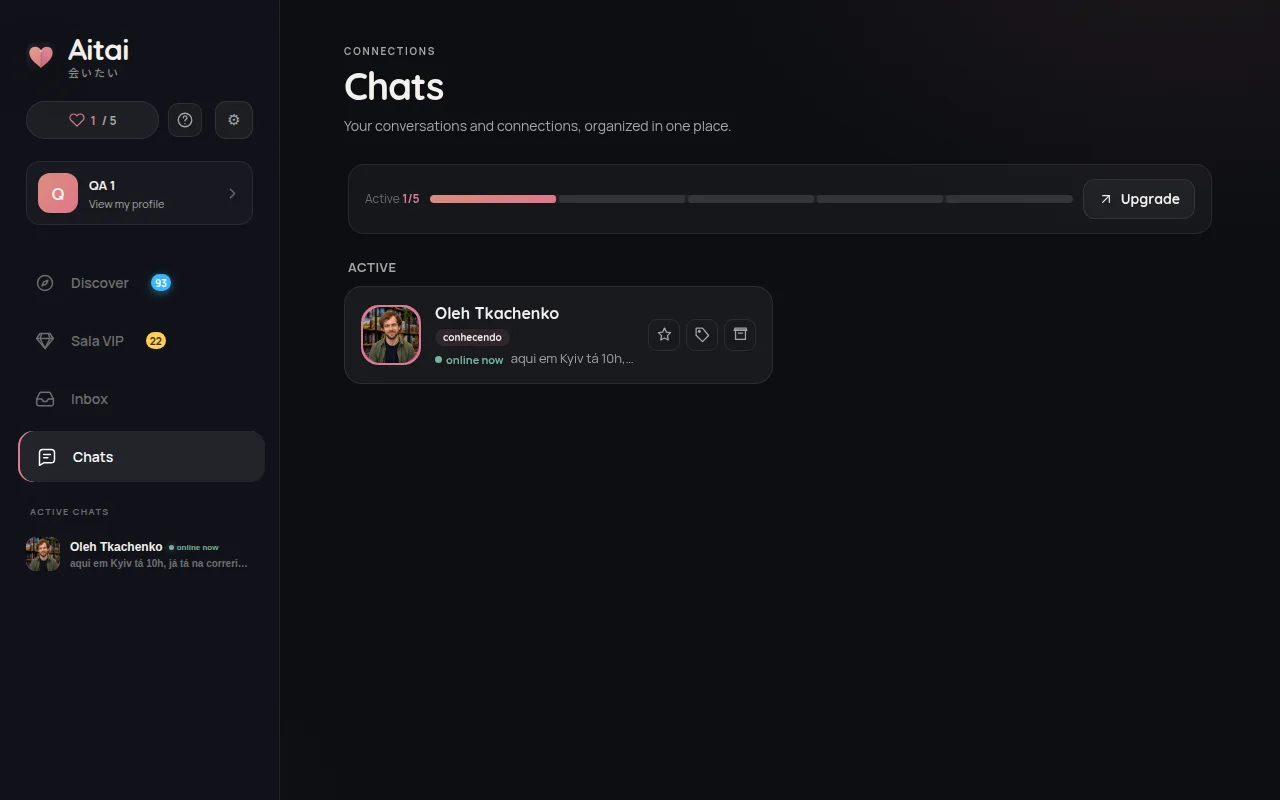
Open Chats, choose Archived and find the character. Use the row menu → Reactivate, or open the chat and press the reactivation button.
Your account needs current access and an available active slot. If Slots full appears, archive another chat you want to keep or check your plan’s conditions.
After reactivating, check that the chat appears under Active and that the message field accepts text. An ended connection is different from an archived one: do not expect the same action in both states.
If the button fails, read the notice and send its wording to Rui without making a purchase just to check.
See it in the app