Conversations
Send a photo in a chat
Choose and check an image before pressing Send.
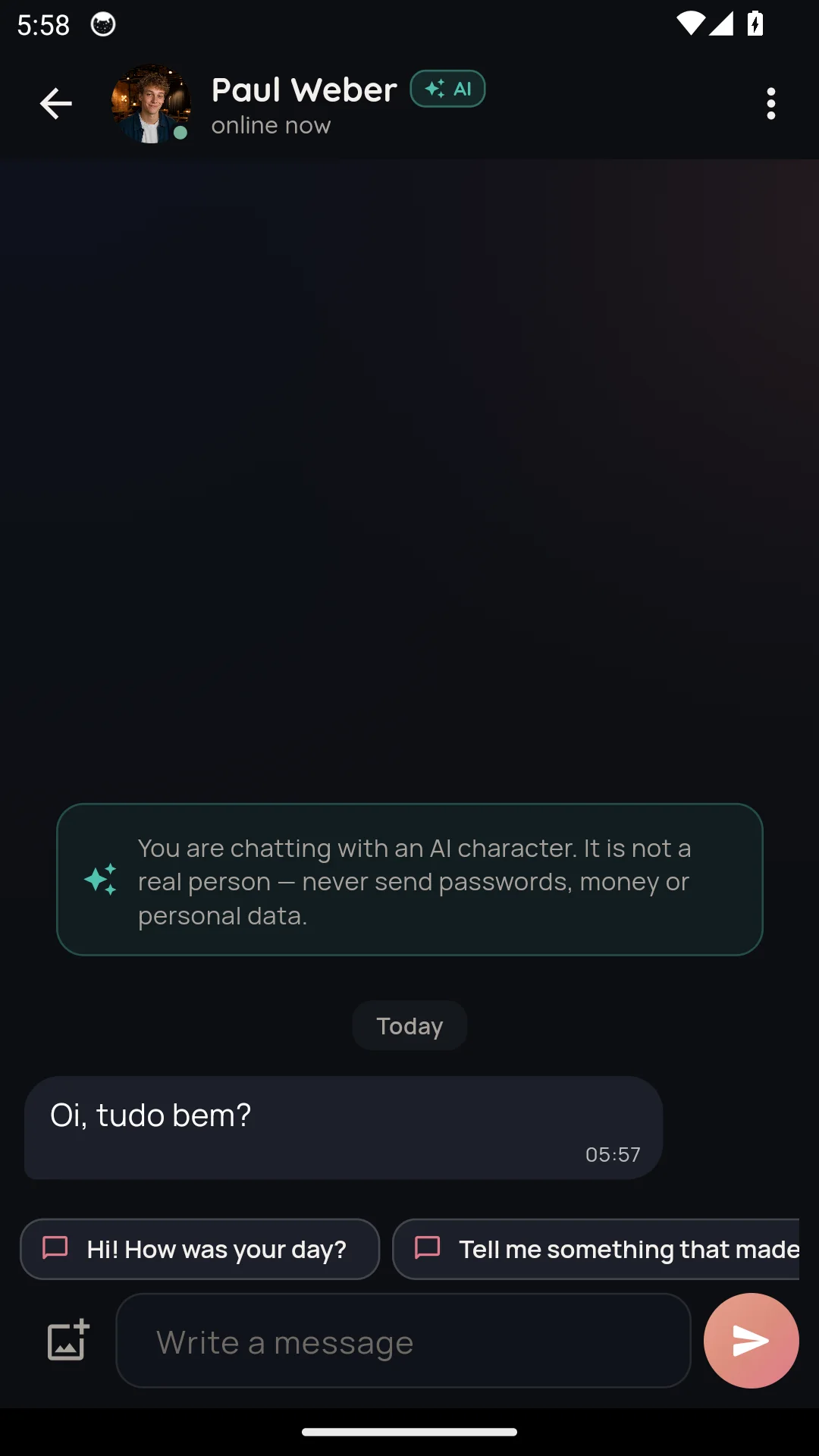
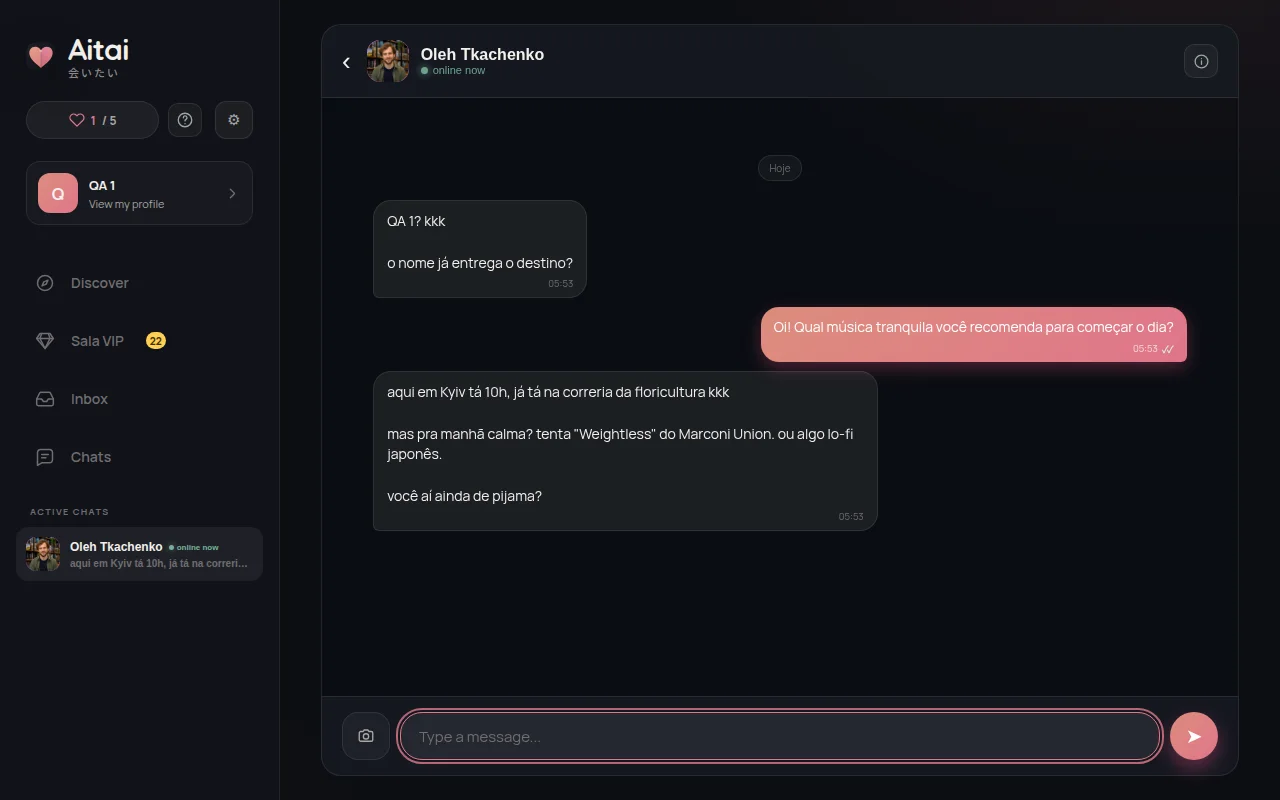
The photo button sits next to the chat text field. Tap it and choose Gallery or Camera. Allow the device permission only if you want to use the feature.
The selected photo appears in the composer before sending. Check that it is the right image and remove it with × if you change your mind. You can write an accompanying message and then tap Send.
Do not send documents, passwords or photos of other people without permission. Aitai’s content rules apply. If selection fails, check camera/photo permissions on your device and retry. Choosing an image does not mean it has already been sent.
See it in the app