Conversations
Copy a whole conversation
Keep a text copy through the chat menu.
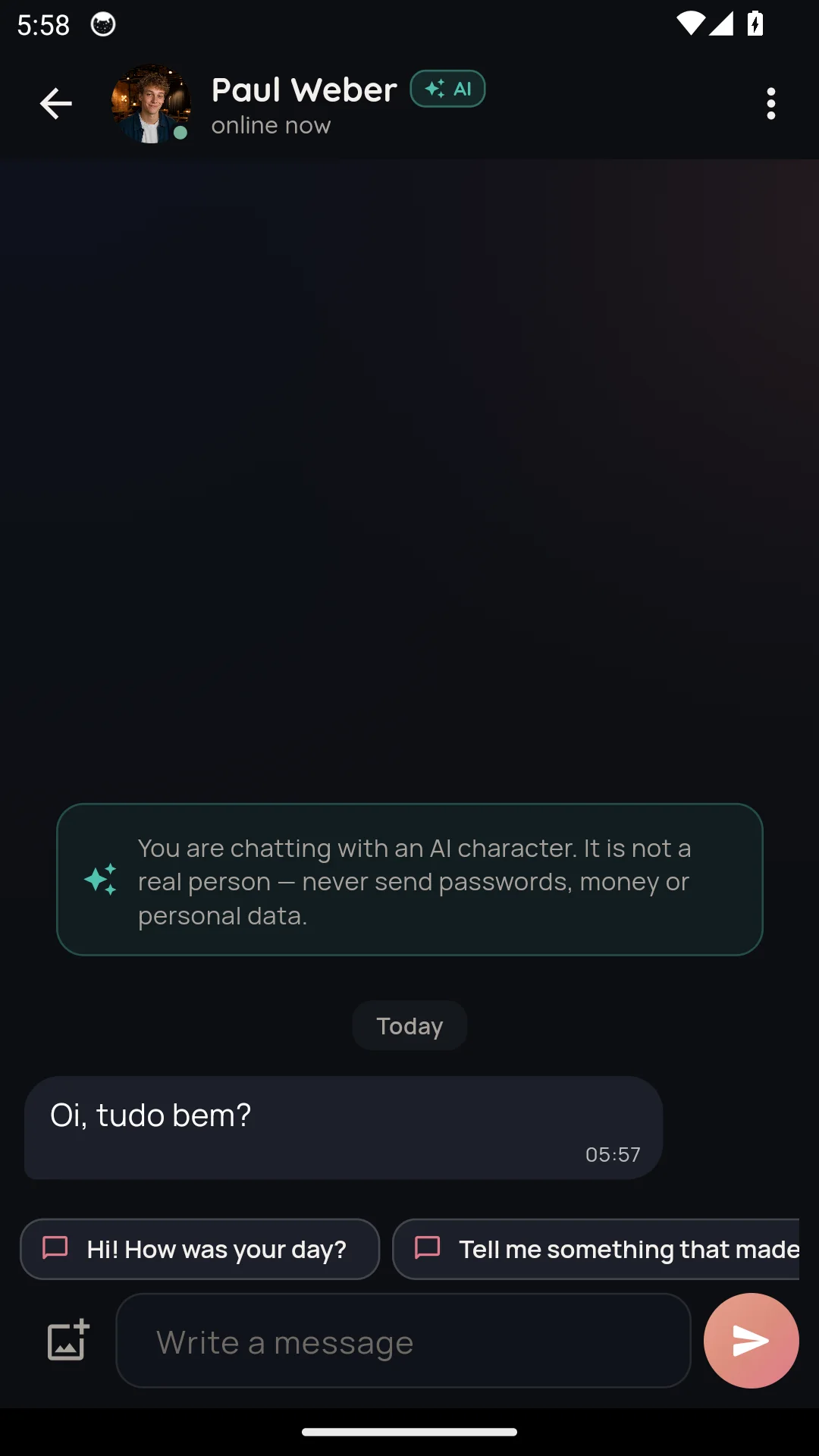
Open the conversation and choose ⋮ → Copy entire chat. Aitai retrieves the text and copies it to the clipboard. A notice tells you how many messages were copied.
Paste it into a file or app of your choice and check the contents. Copying does not automatically send anything to another person or create an account recovery file.
Choose the destination carefully: text may contain personal details you wrote in the chat. Other device features may access the clipboard.
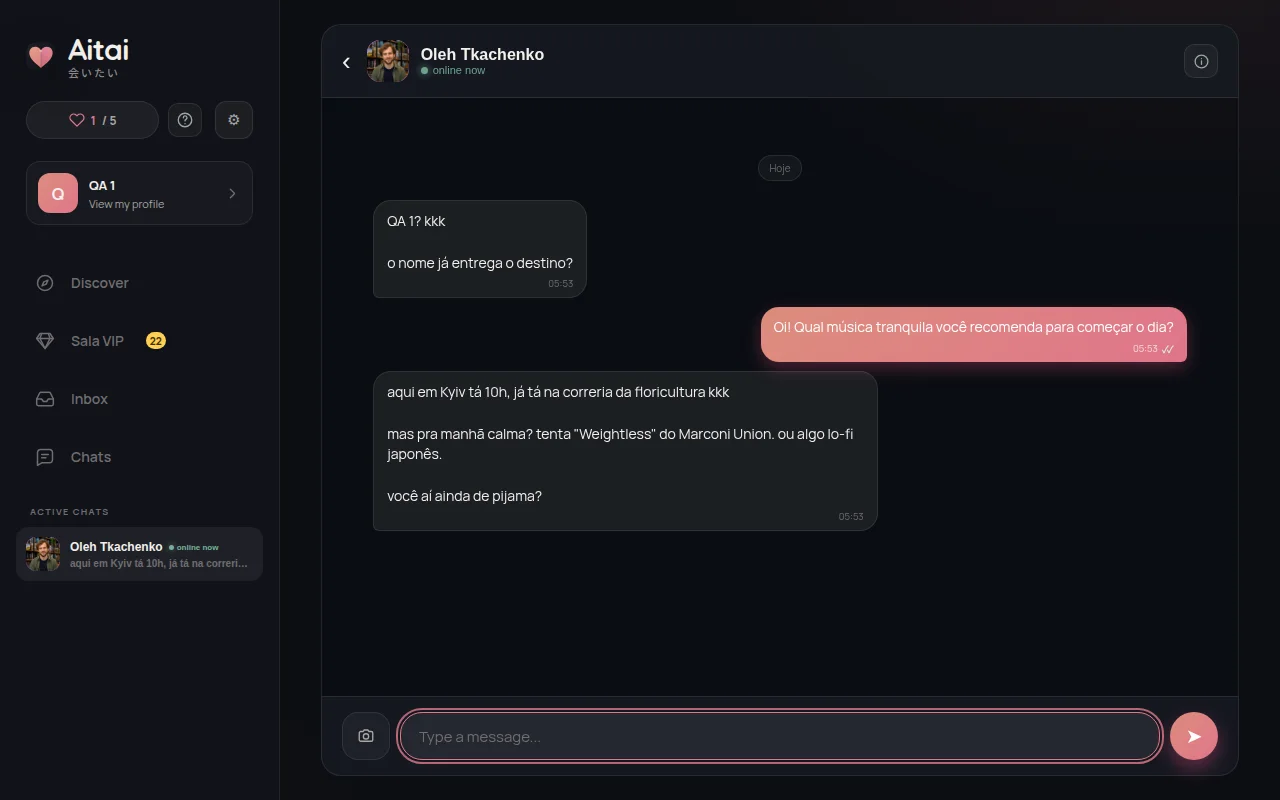
For a single passage, hold a message and choose Copy. Before clearing history, make sure any copy you need is readable and stored in the right place.
See it in the app