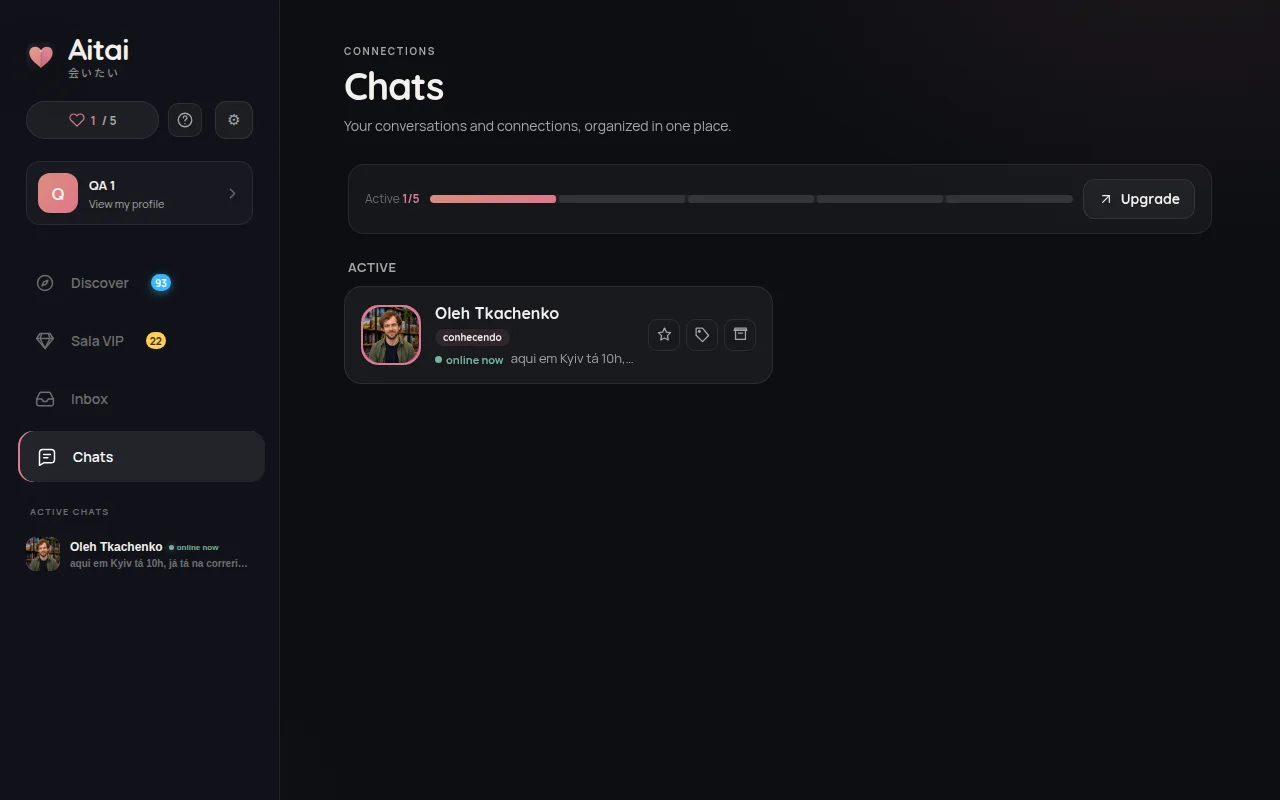
Conversations
Favourites and labels
Organise chats with a star and a colour.
In Chats, open a row’s ⋮ menu or hold a conversation. Choose Favorite to add a star or Color tag to choose a colour.
List gestures are also available: swipe to favourite, or in the other direction to archive or reactivate depending on its state. Read the action before finishing the gesture.
Filters can show favourites, labelled chats or a particular colour. To remove a mark, use the same menu and choose Unfavourite or the option without a colour.
These marks organise the list; they do not change your plan, slots or the character’s personality. If a chat disappears from view, check active filters first.
See it in the app