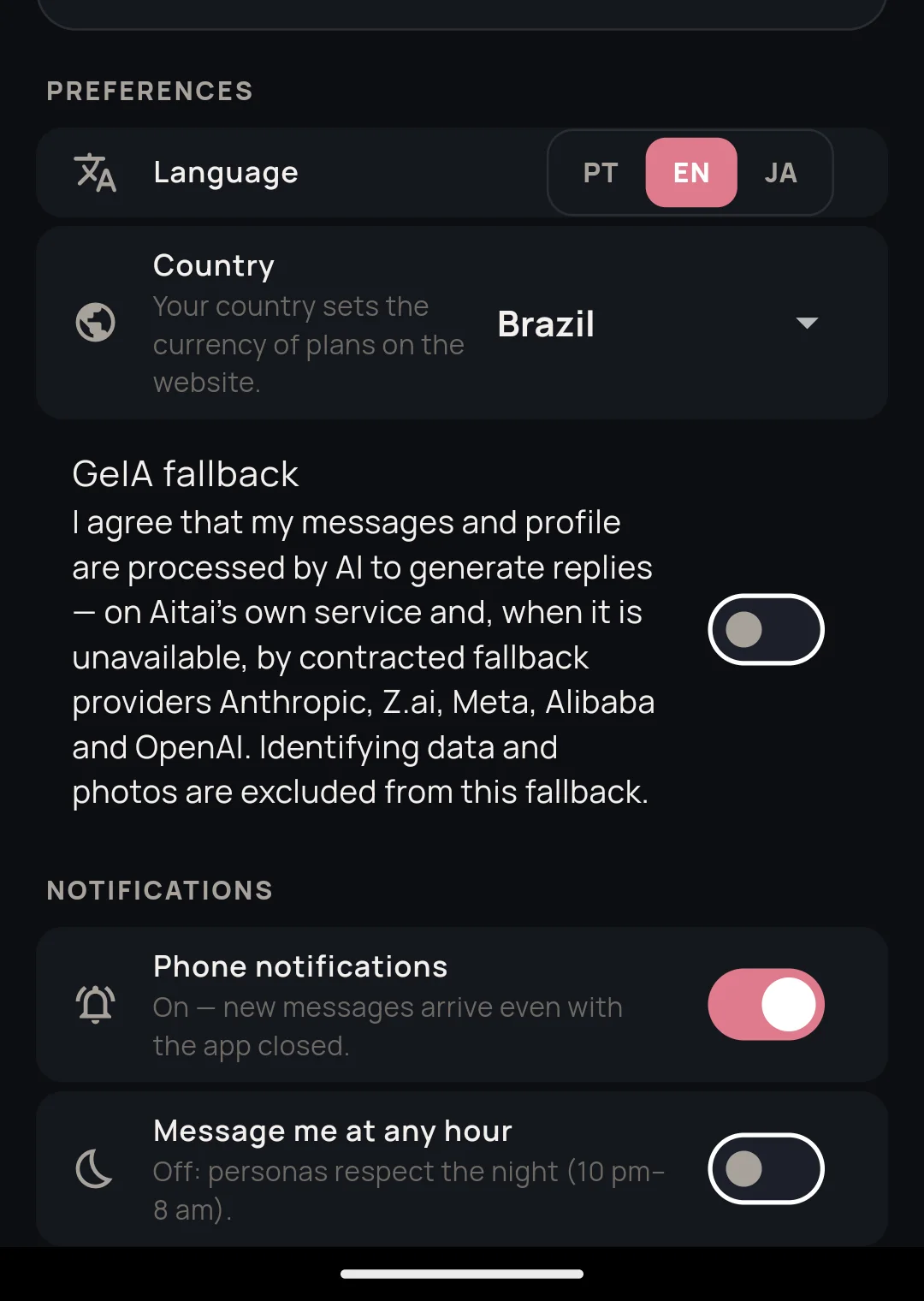
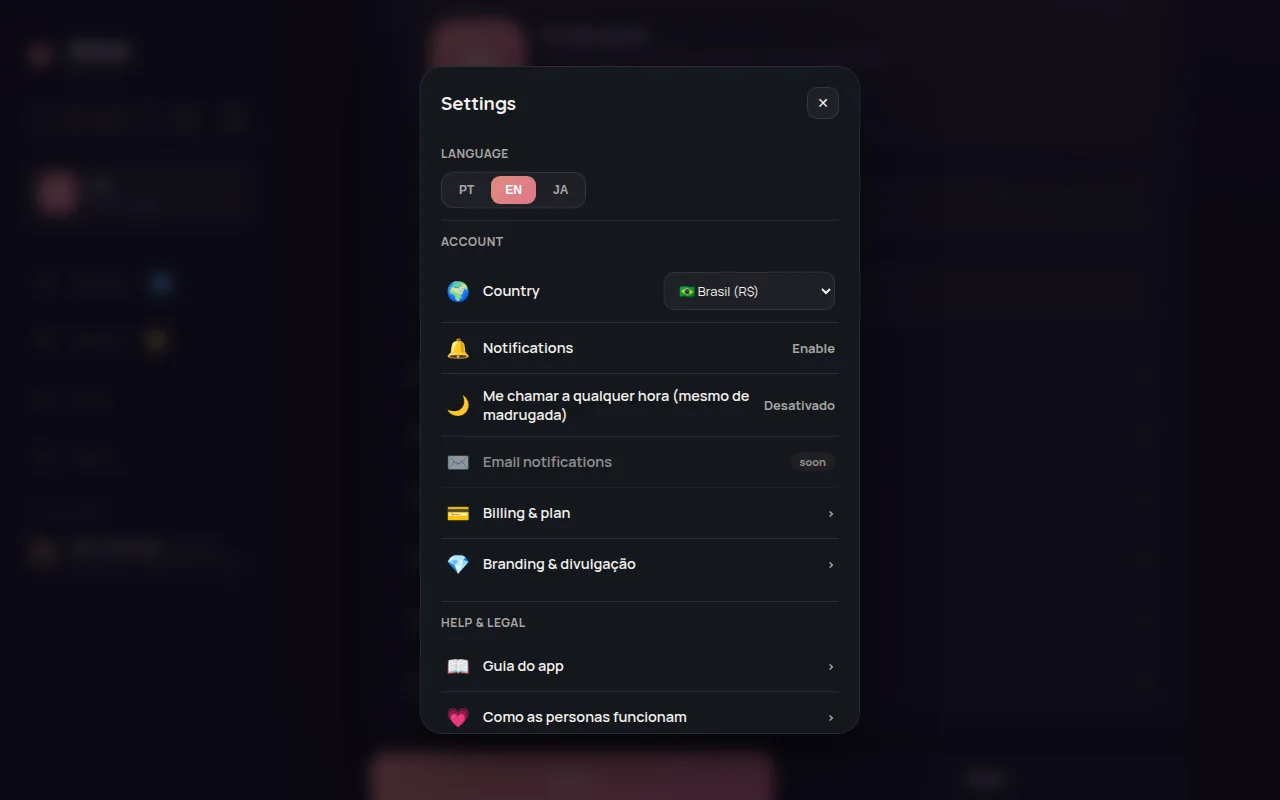
Your account
Restore store purchases
Ask the store to check an existing subscription.
In a Google Play or iPhone installation, open Plans & subscription and tap Restore purchases. Use the same store account used for the subscription and the correct Aitai account.
Restoring asks the store to check existing purchases. It is not a request to buy again. Wait for the process and reread your plan status.
If access does not appear, check the subscription in the store’s own management area. Keep the receipt number for support, but do not send passwords or full card details.
A subscription made outside the store cannot be restored by this button as if it were an Apple or Play purchase. Ask Rui about a mismatch before subscribing again.
See it in the app