Start here
Screen and button map
Find where to start without memorising the app.
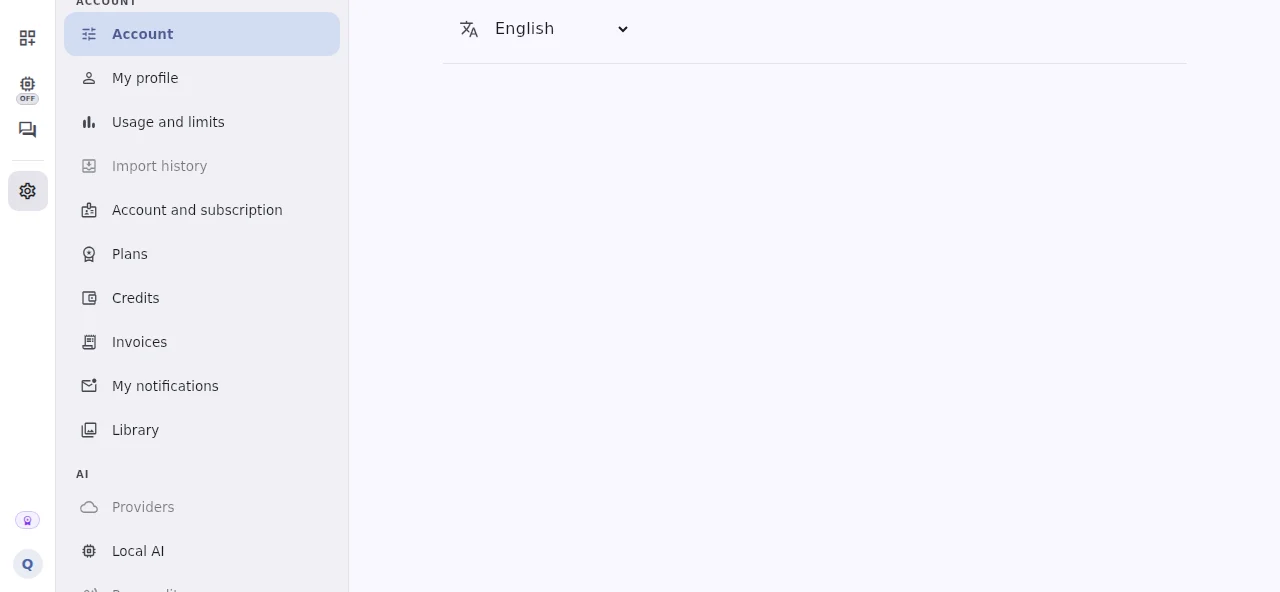
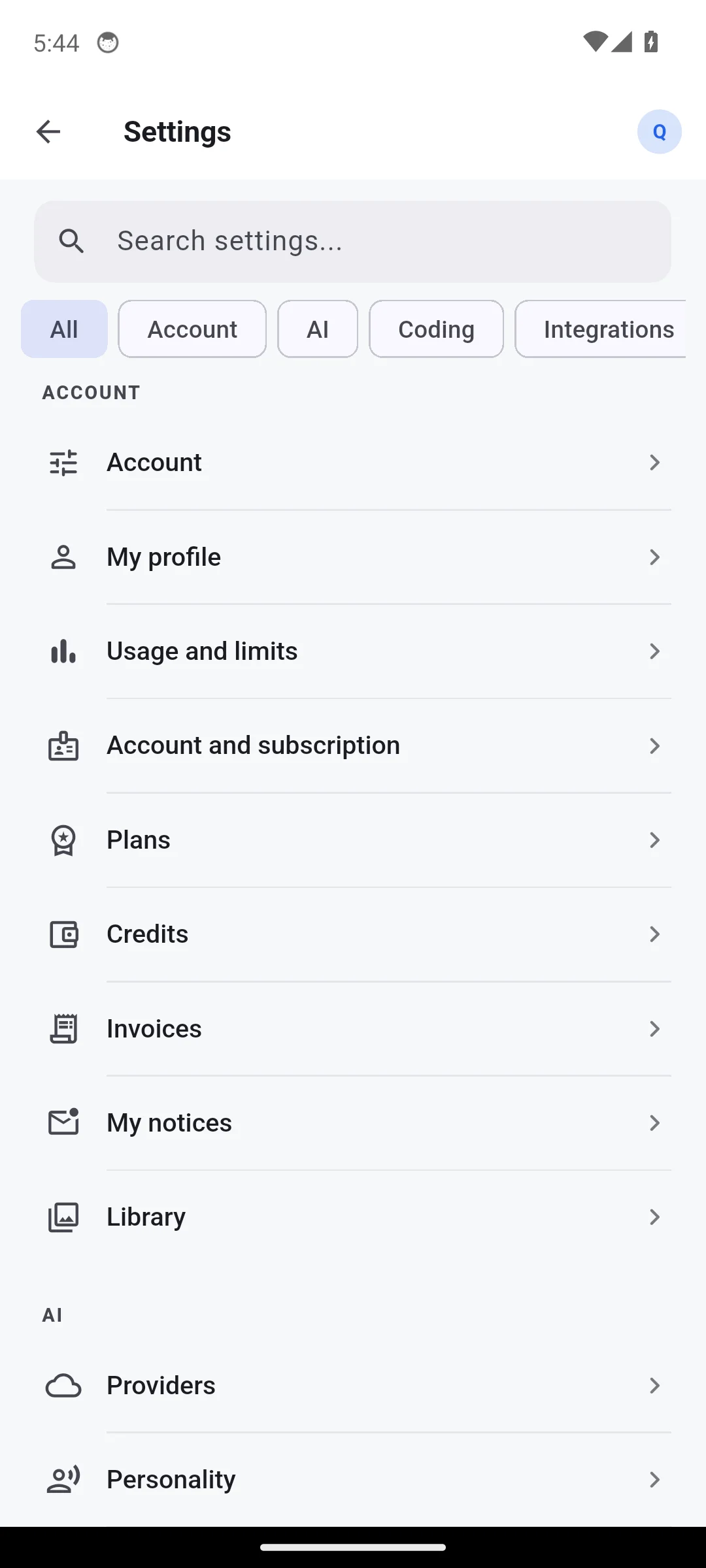
Account in the app and on the Web
In the Android, iPhone, iPad, Windows, macOS and Linux apps, version 6.75.454 brought My profile, Account and Account and subscription together under Settings → Account. Profile, language, history sync, sign out and account deletion are on that screen. For theme and reading, open Settings → Appearance.
In Web 6.75.455, Account also brings profile, language and history together. Open Account from the account menu or Settings → Account. The main tabs are Account, Plan and Security. Language and theme are still available in the account menu too.
The Android captures in these guides show 6.75.452, and the Web captures and videos show 6.75.445, before the unified Account screen. Each caption identifies the captured version; for Web 6.75.455, follow the current paths described in the text.
The right place for each task
| I want to… | Open… |
|---|---|
| Ask a question or write | New chat, in the conversation list |
| See conversations on my phone | In the installed app, », at the top; in Cortex Web, the menu button |
| Send a file | +, beside the message field |
| Dictate a message | The microphone, when available |
| Change the AI in a conversation | The model picker beside the field |
| Find an image or document | Library, on the shortcut rail |
| See files from just one chat | Files in this conversation, at the top |
| Work on a code folder | The Code section |
| Find folders and servers | Connections |
| Follow work in progress | Tasks |
| Enable skills and services | Customize |
| Talk to people or serve customers | Messages |
| Change language, theme or notifications | Settings |
| Report a fault | Report a problem |
Phone and computer
On a computer, the rail and lists use the window's width. On a phone, the conversation occupies the main area. In the installed app, » reveals the sidebar; in Cortex Web, use the menu button. Use Back to leave a detail view.
Options depend on platform, plan and account permissions. A feature missing on a phone may need the computer executing the work; see Code and My PC's AI.