Create
Ask a question and improve the answer
State your goal, check the answer and ask for changes in the same conversation.
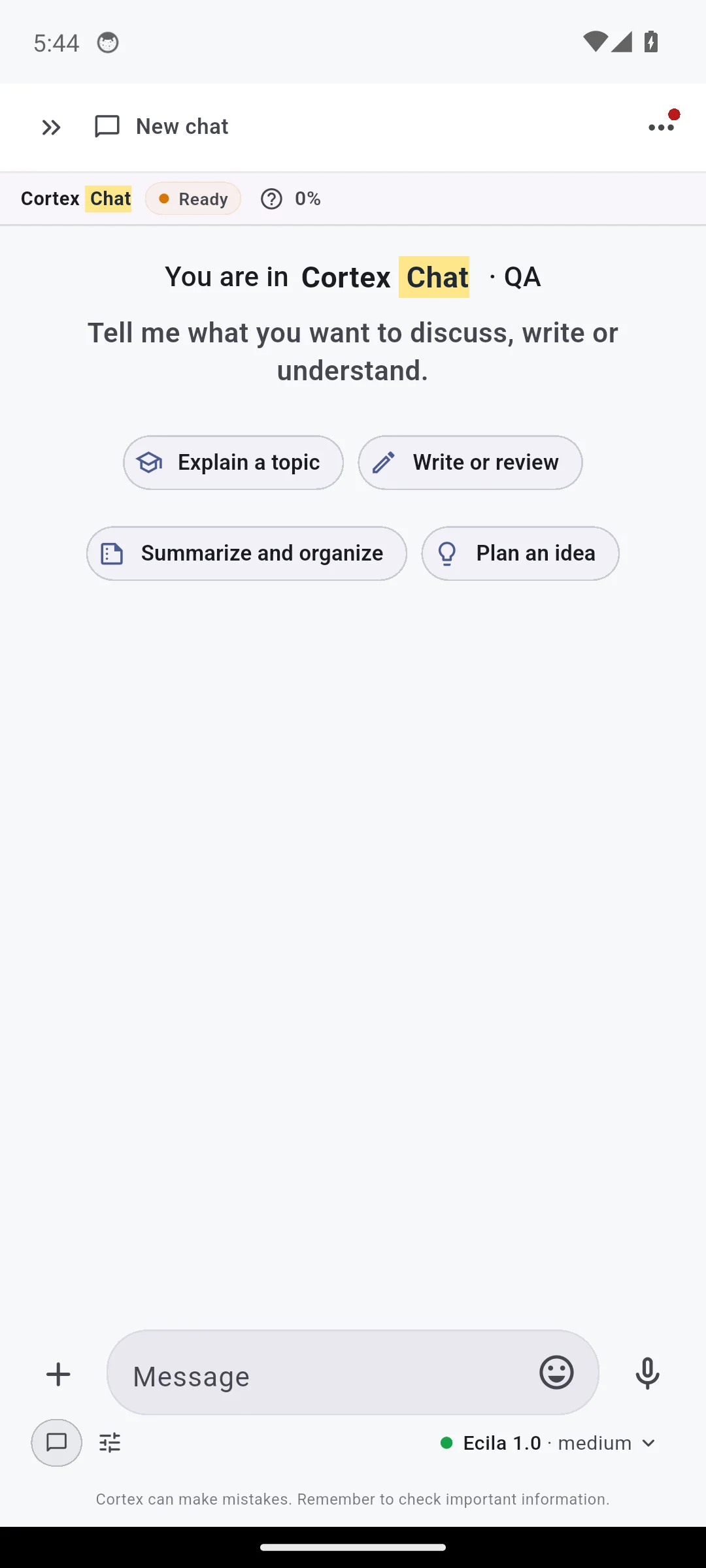
- Open New chat in the sidebar.
- Write what you need and who it is for. Instead of “write something”, state the topic, length and tone.
- Send with the arrow. On a computer, Enter also sends.
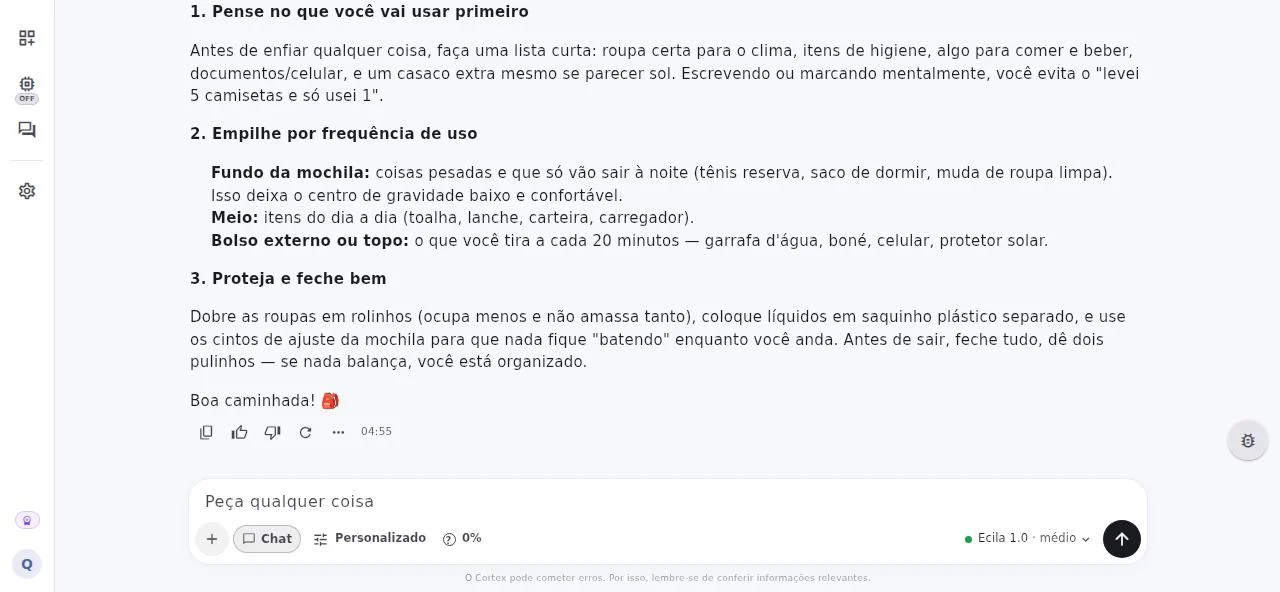
- Read the answer and continue in the same conversation to request changes.
The picker beside the field shows the AI in use. You do not need to change models for every message. The answer identifies who worked on it.
Use Copy to take the result elsewhere. Check facts, numbers and names first. AI can make mistakes or fill in a detail you did not provide.
Open a new chat for a new topic. To continue tomorrow, find this conversation in the sidebar. See Chat and models.
Your first Cortex conversation
Follow a real request and find the answer controls.
Read the video
Start in a new chat. Write a clear request and send with the arrow. The answer arrives here. Read before using it. Copy the result when satisfied. To attach something, use + beside the field. You can return without selecting an attachment. Conversation files have their own entry at the top.