


Help
Frequently asked questions
Quick answers about plans, data, subscriptions to other AIs, teams, and everyday use.
Plans and payment
Do I have to pay to use it?
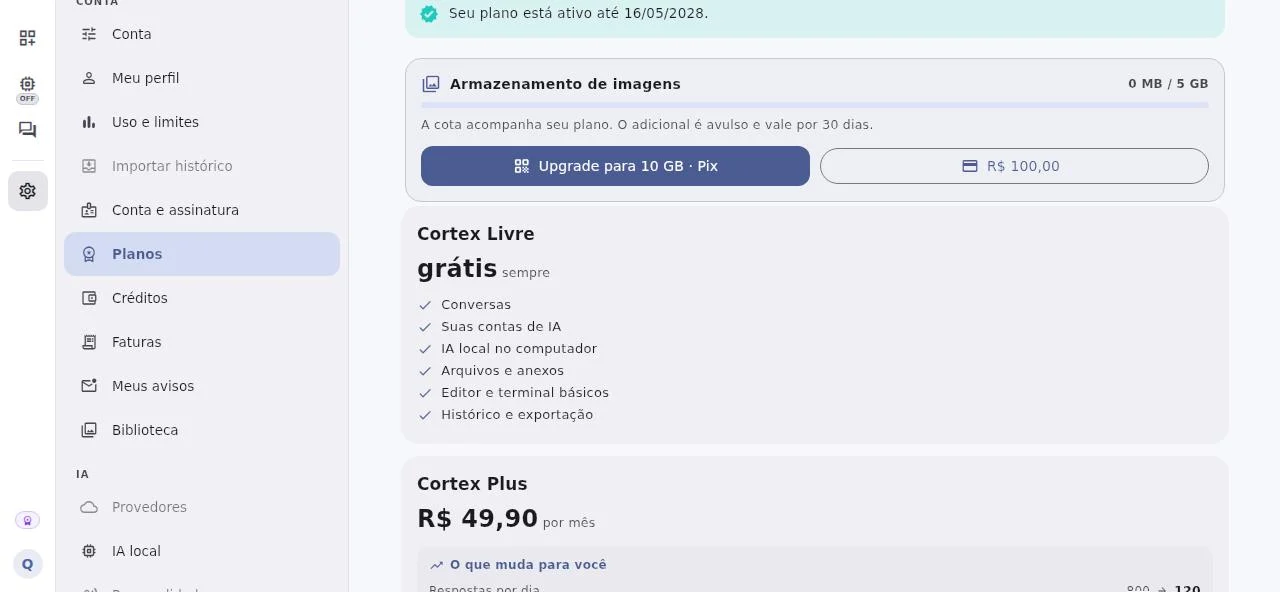
No. The Cortex Livre plan is free and includes Chat, Code, Local AI and connections. Cortex’s own AI has usage limits; local processing on your computer does not use that allowance. Paid plans raise the limits and unlock the GeHost cloud; Cortex Plus unlocks Messages, Cortex Pro adds AI Attendant, and Cortex Max also unlocks the Team space and video. See Plans.
Does my plan renew automatically?
No. Plans are prepaid: each payment unlocks the plan period. Your account shows how long it's valid.
What happens when I hit the daily limit?
Our own AI pauses until the limit resets the next day. You can continue with credits, upgrade your plan, or use your API key.
Other AIs
How do I connect my AI accounts?
In Settings › Providers, check the integrations available on your device. Each vendor defines authentication, limits and terms of use; Cortex plans do not replace agreements with other services.
Are Cortex images and videos state-of-the-art quality?
Creation uses the image and video tools available in Cortex and may wait in a queue. Results on par with market leaders are not guaranteed. Check the image and video tools available in your account. Quality depends on the tool used. See Image and video.
What model is behind Ecila and Airam?
Ecila and Airam are the assistants of the Cortex family, created and maintained by GeHost. They come ready to use, with no key and no setup, within your plan's limit.
Does Cortex replace Ollama or LM Studio?
Cortex offers Local AI on computers. See the guide for the available options.
Data and privacy
Where is my data stored?
Without an account, your chat history and preferences stay on the device. With an account, chats and the Library can sync between your devices, depending on your sync settings, and generated images and videos are stored on the device first. Connected customer channels keep history on devices, with temporary encrypted delivery. Messages also includes Team and shared conversations, whose history is stored on the server for authorised participants. See Account, devices, and privacy.
Can the AI change things on my computer without me knowing?
You decide. With Ask for approval, everything goes through you: running commands, changing files and going online. Approve for me lets the AI read files and open pages directly, but running commands still needs you. Full access lets the AI act without asking — use it only if you are sure. Local AI stays off until you turn it on.
Team and Messages
Who pays when the team uses the AI?
Each request uses the limit of the person who asked. The team owner can turn on "the team pays", with a cap per person.
Do I need the Max plan to share a chat?
No. On any plan you can invite up to 3 people to one of your chats or projects. The full Team space, with channels, tasks, and Team AI, is part of Cortex Max. See Team.
Does the AI Attendant reply without me seeing?
Only if you choose Automatic mode. In Suggest mode, the AI only writes the draft. Even in automatic mode, it hands the chat over to you when it doesn't know, when the customer asks for a person, or when there's a complaint. See AI Attendant.
Devices
Which devices does Cortex work on?
Android, iPhone and iPad, Windows, macOS, Linux, and in the browser (Cortex Web), with the same account. There's also a CLI for the terminal. See Getting started.
I found a bug. How do I report it?
In the app, tap Report a problem and tell us what happened. See Report a problem.