


On your computer
Follow, pause and resume a task
Read the real work status and the executing computer’s limits.
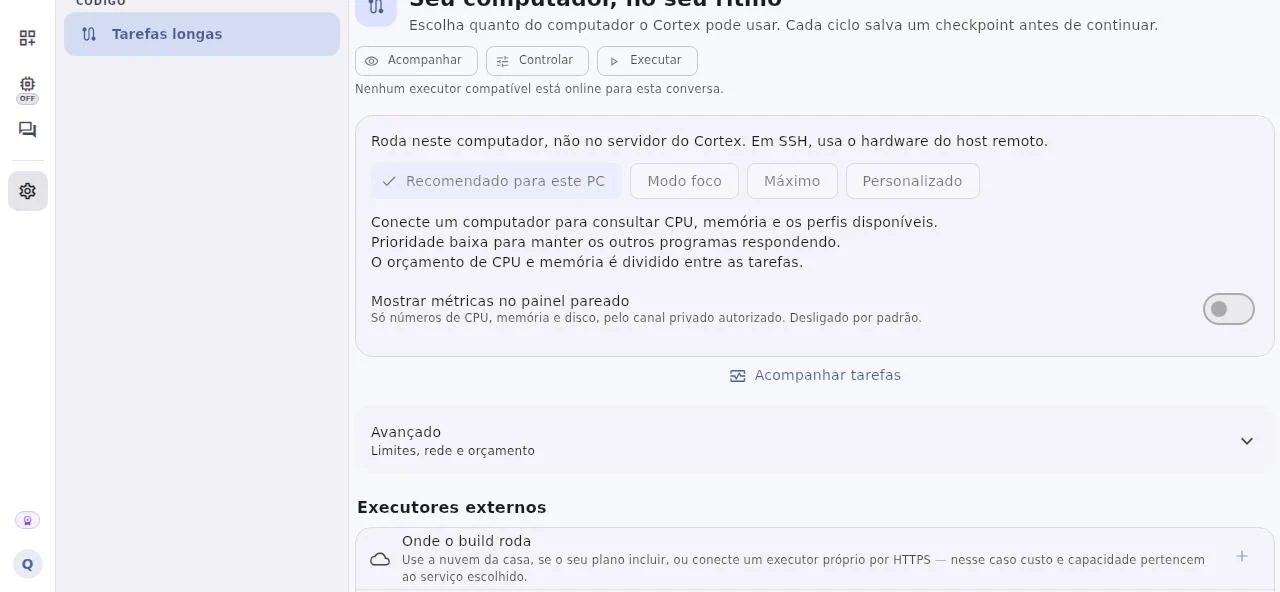
Open Tasks to see work in progress. A long task has steps, status and continuation points; conversation text alone does not prove completion.
On the executing computer, follow the task status and use Pause, Resume or Stop when those controls are available. Before resuming, check the latest step and any continuation points shown.
In Settings › Code › Long tasks, read the chosen profile. Recommended and Focus balance work with computer use. Maximum requires the plan shown on screen. Do not increase limits to hide a fault.
If approval or a question is waiting, respond in the conversation. If Continue appears, review the request before resuming. Phone monitoring does not replace controls on the executor.
On the Web, resource graphs depend on permission to show metrics from the paired computer. No reading does not mean zero use. See Code.