


On your computer
Check a project’s permissions
Understand what AI may do before requesting an edit.
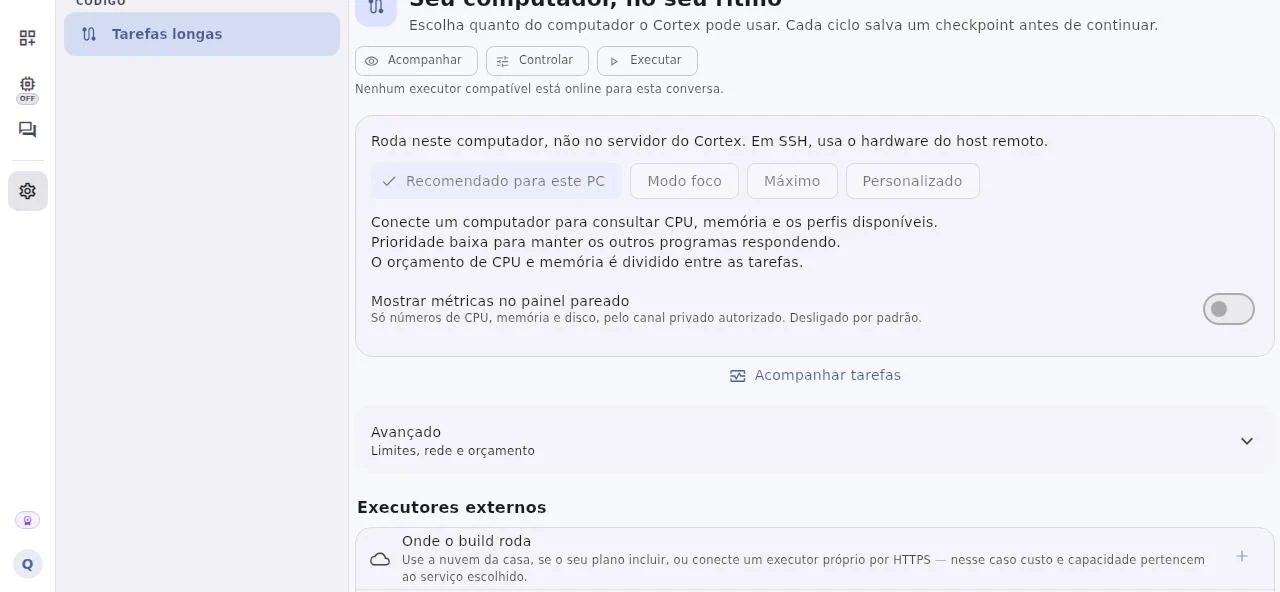
In Code, AI can read files and, according to the selected policy, edit them or run commands. Open Permissions before the first task in a new project.
Request approval asks for authorisation before actions on the computer. With a broader policy, some actions can happen without another question. Do not assume every request will always be confirmed.
Check the account, project folder and selected policy. The policy belongs to the account, device and project identity; two folders with the same name may have different choices.
Read the command and affected files before approving. If you do not want a change, decline and explain what should happen. Do not put passwords in requests.
On the Web, file and terminal operations depend on an authorised paired computer. Read Code and Connections to distinguish monitoring from execution.