


Create
Find and organise conversations
Use search and the conversation menu to keep things tidy.
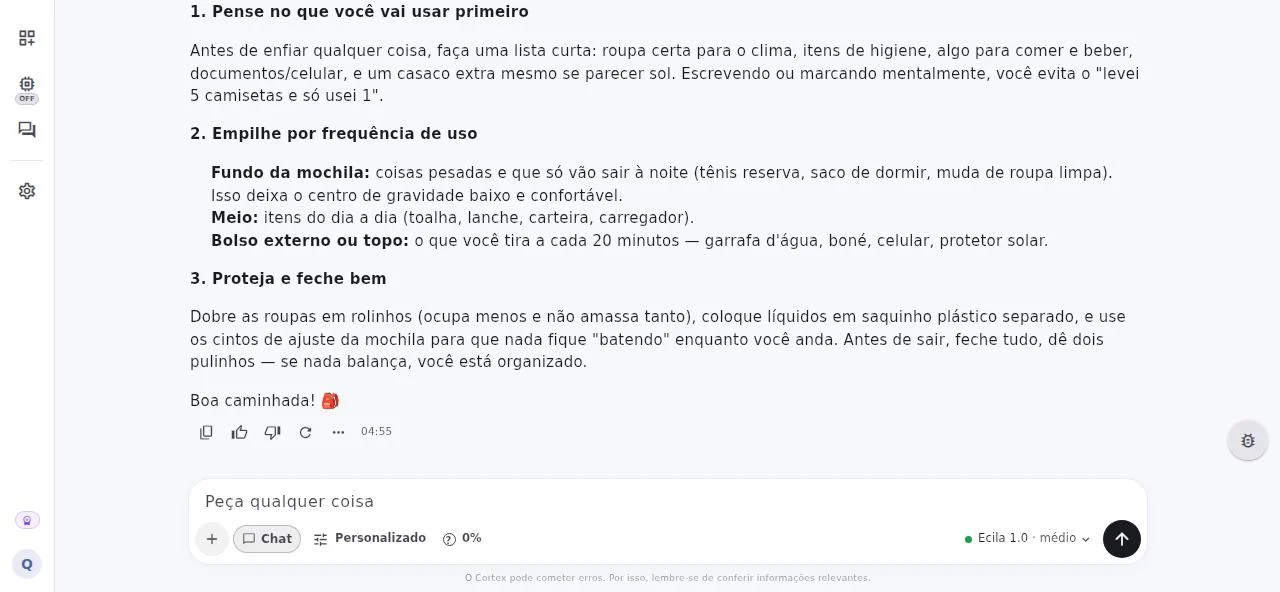
Chat and Code conversations are in the sidebar; Team and customer channels are in Messages. On a phone, open the sidebar with » at the top.
- Search at the top of the list.
- Check the name and preview before opening.
- Open the conversation's … menu for rename, pin and archive options. Right-click also opens actions on a computer.
- Choose a descriptive name without passwords or private information.
Archiving moves older conversations out of view; deleting is a different action. Read the confirmation before deleting history.
Customer conversations in Messages have their own filters and permissions. Do not assume personal-chat actions exist for every channel. See Messages and Folders and activity.