


Create
Connect a tool to Cortex
Use official authorisation and check the access granted.
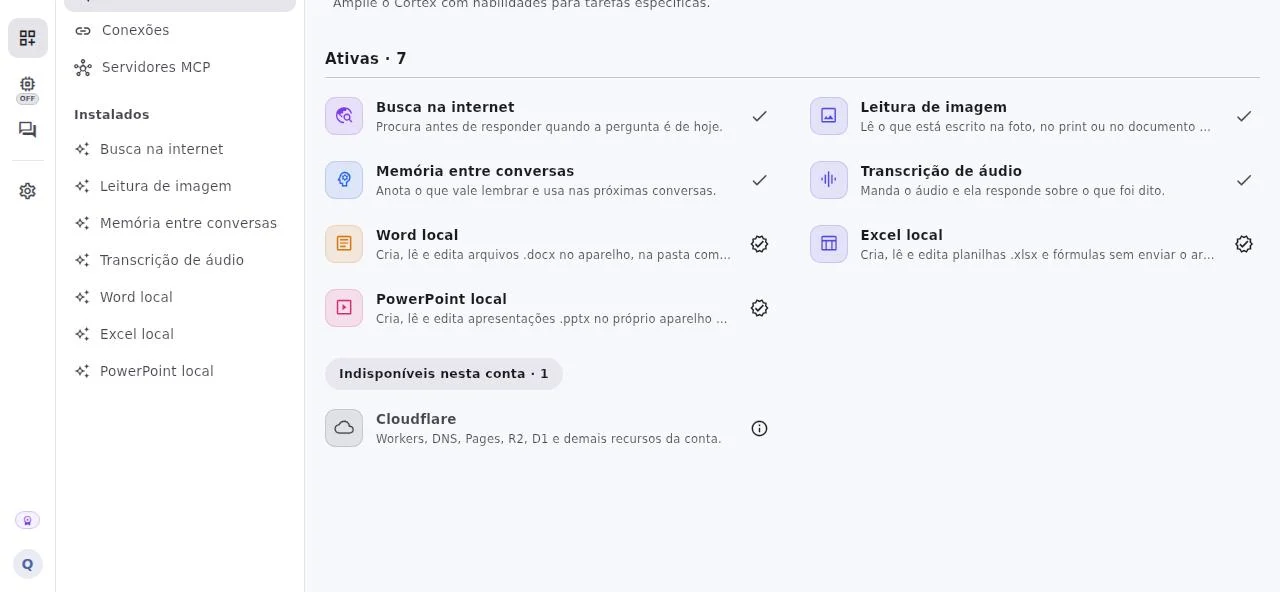
Open Customize › Connections to see services available on your device. A connection lets AI use an account or tool you authorise; it does not make all your account content public.
- Choose a service and read its description.
- Tap Connect and follow official authorisation.
- Check the account and requested permissions before accepting.
- Return to Cortex and check the connection status.
- Before requesting an action, clearly state what may be done and in which account.
Do not paste passwords or keys into an ordinary conversation. Use the integration's protected fields when requested.
Connections is also the name of the project and server centre. That centre shows workplaces; Customize gathers conversation integrations. Code, Customize and Your AI accounts explain each type.