


Create
Find and save a conversation file
Use the right Library and check the copy on your device.
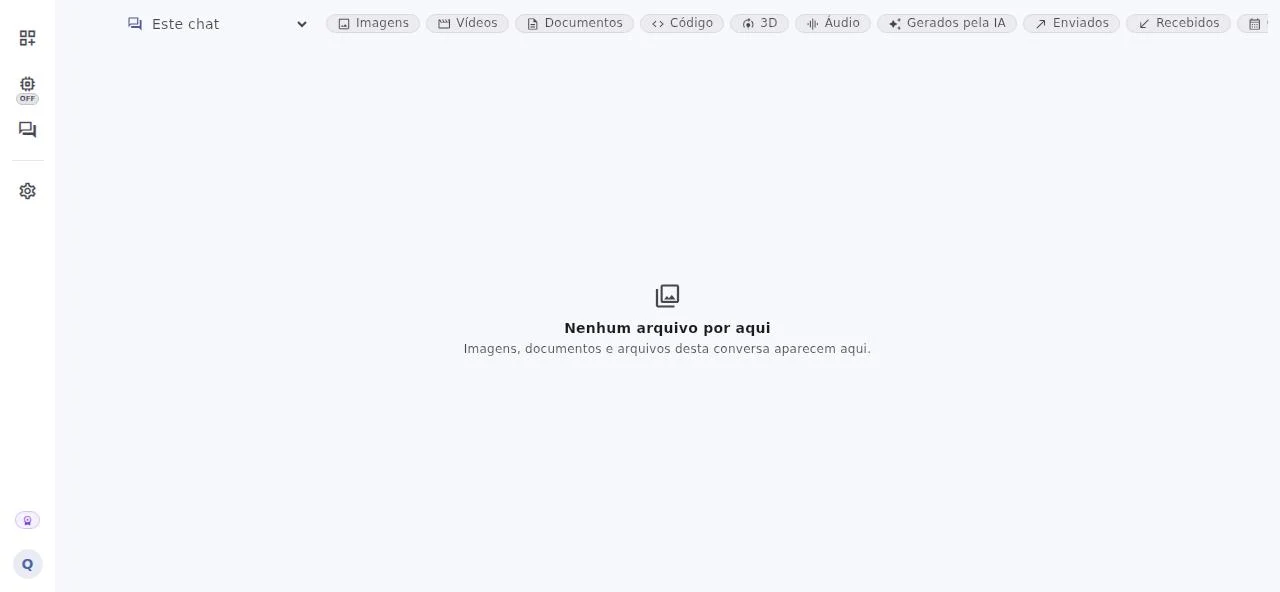
There are two entries: Library on the rail gathers account files; Files in this conversation at the top of a chat limits the search to that conversation.
- Open either entry.
- Search by name and filter by type, origin or date.
- Open the preview and check it is the expected file.
- Use Save or the download available in the preview.
- Check the destination folder on your device before closing the app.
Labels such as On this device show what is stored locally. Availability on other devices depends on file type and synchronisation; cloud space varies by plan.
Sensitive content and temporary captures have separate handling. If you need to keep a result, save an authorised copy and check it opens. See Library.