


On your computer
Start with local AI on your computer
Read your computer analysis before choosing a download.
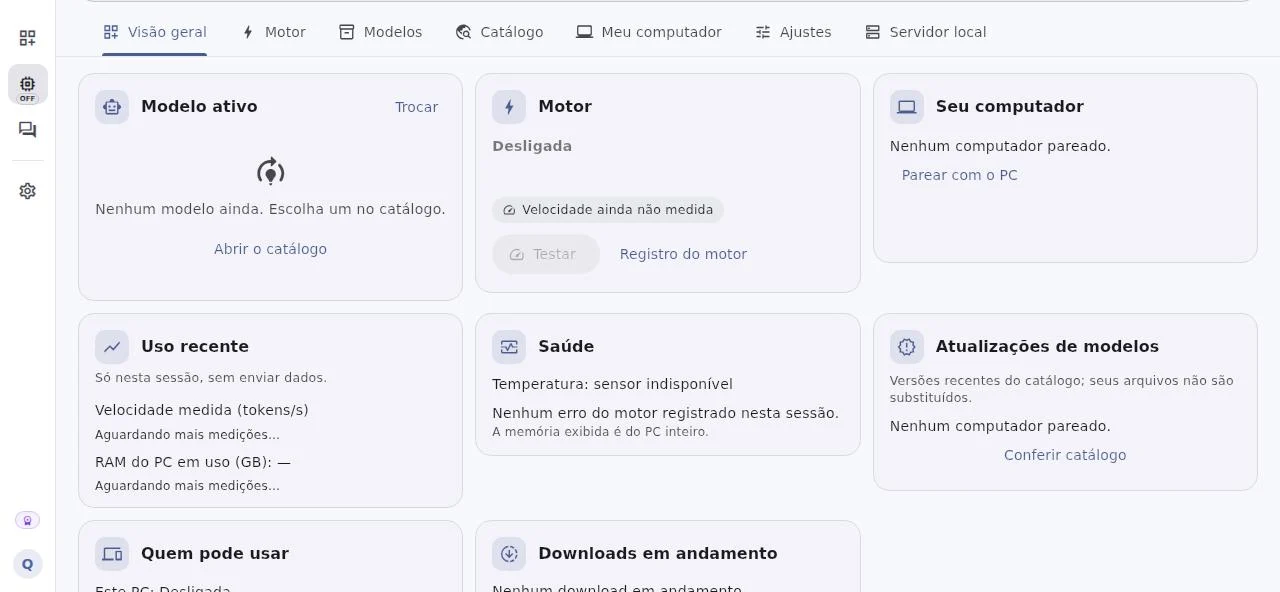
Local AI runs on your computer. Open Local AI and read the memory, disk and capability analysis before downloading a model. You can follow catalog badges without knowing technical names.
- Check free space and download size.
- Choose a model recommended for your computer.
- Wait for download and preparation to finish.
- Check it is running and select local AI in a conversation's model picker.
- Ask a simple question and watch computer usage.
Speed and quality vary by model and device. Large downloads can use substantial data and disk space. Close other heavy work if the computer slows down.
Turning off local AI stops that use on the computer; it does not turn all other Cortex AI choices on or off. For phone access, keep the PC on and read My PC's AI.